We rebuilt Image Operator, the skill your clone uses to create and edit images. Version 2 makes 14 types of images instead of 5. It chooses from 6 models, sends up to 5 options from one request and switches to a backup model if one fails. You still just say what you want in plain words.
What's new in v2
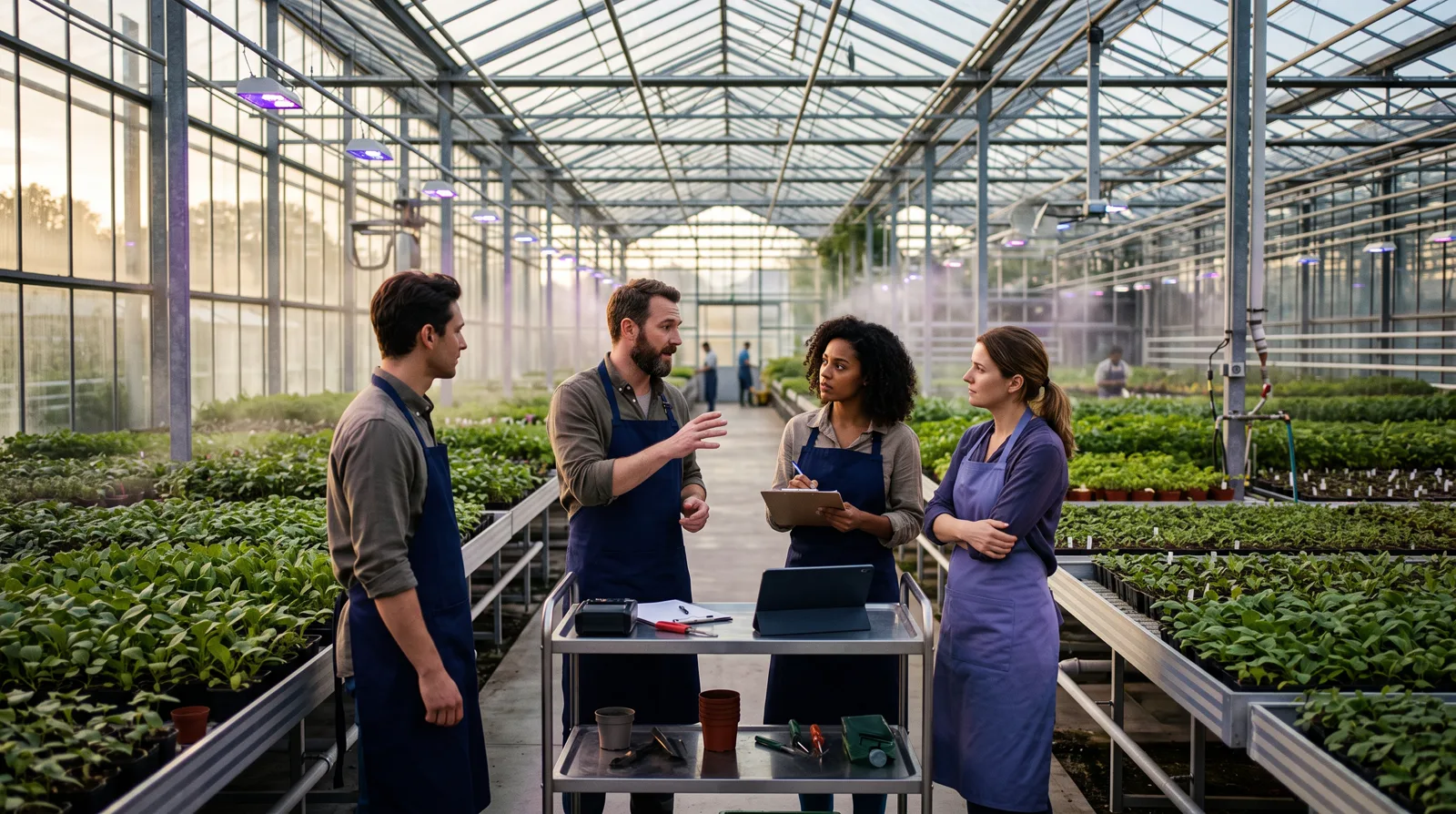
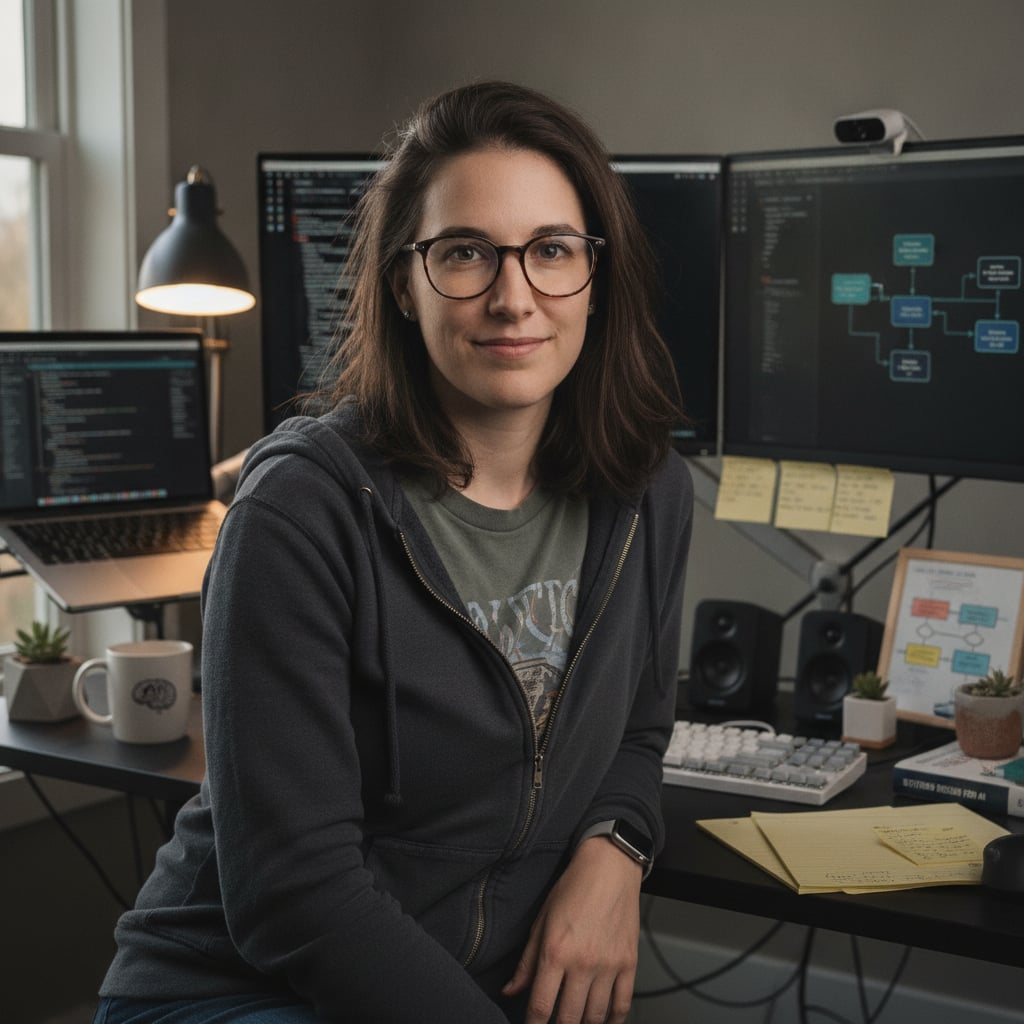
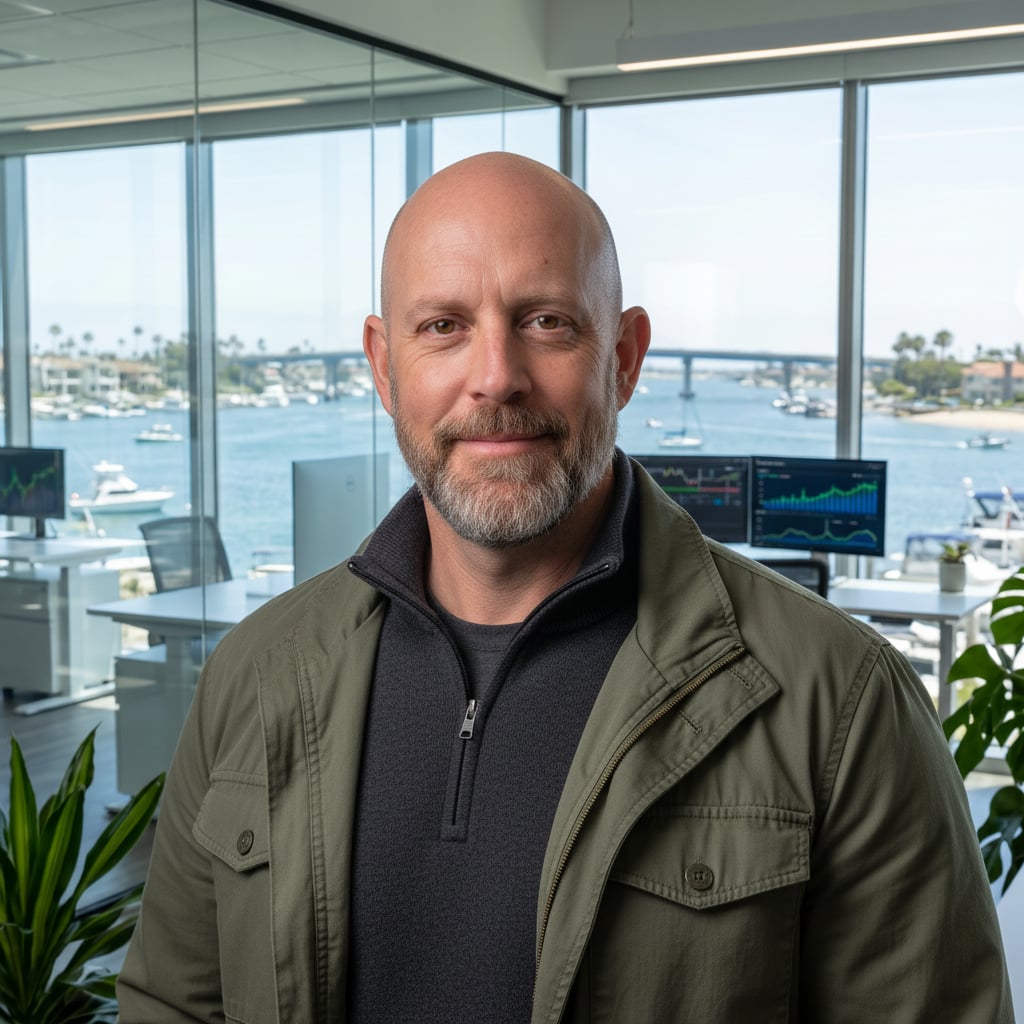
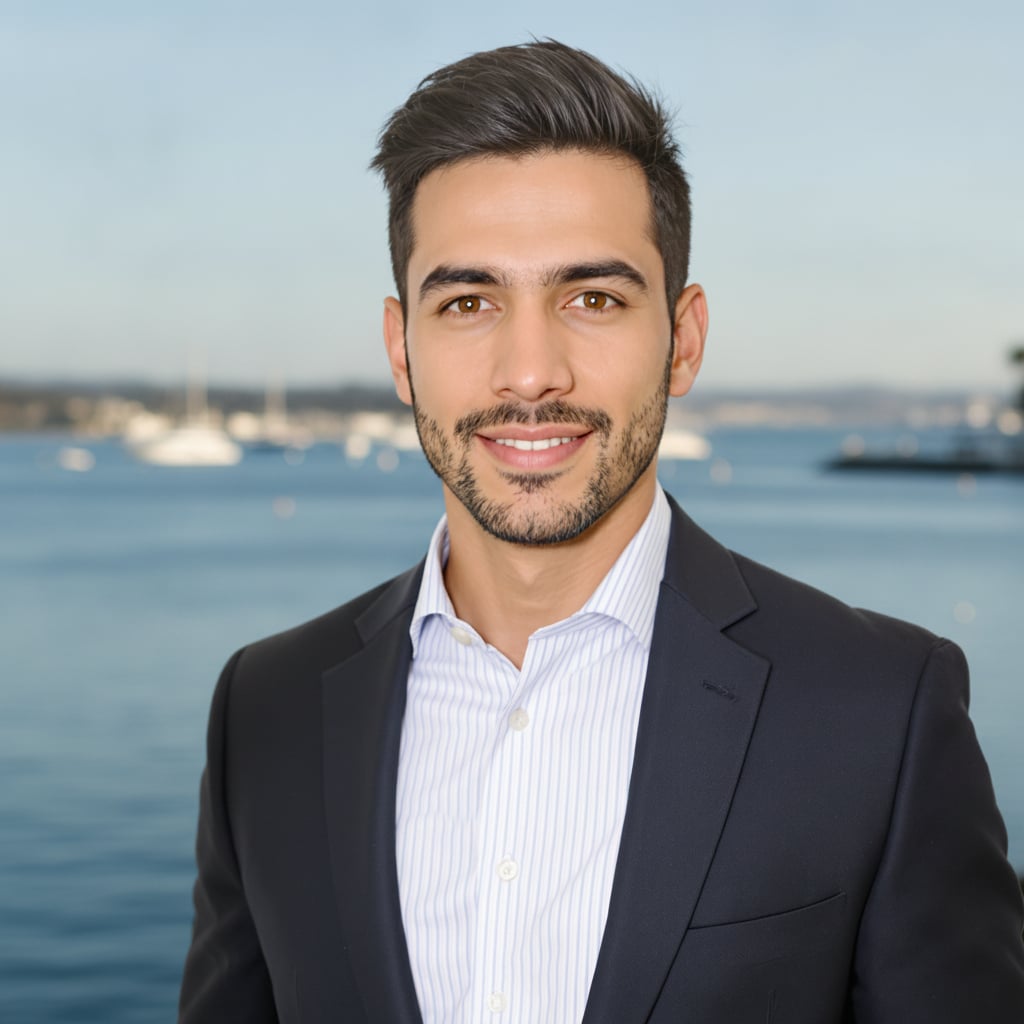
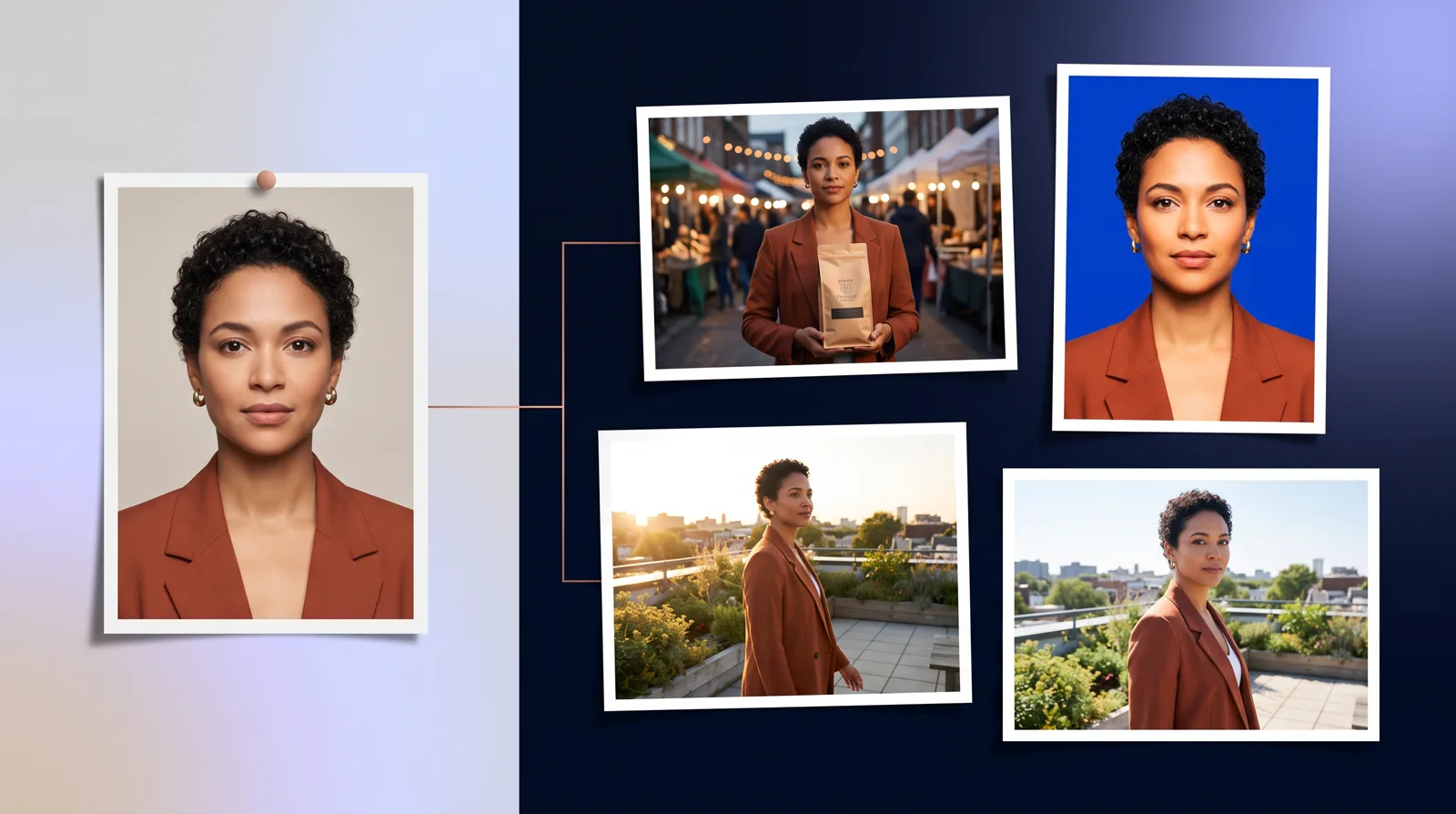
14 image types. Your clone can make headshots and scenes of itself (or of you, if it's your digital twin). It also makes marketing creatives, social posts, infographics, diagrams, product shots and mockups, thumbnails, posters and flyers, logos and icons, illustrations, photos and backgrounds. On top of that, it handles photo edits and background swaps. Before it starts, it tells you which type it's making.
More models, picked for you. Nano Banana 2 is still the default and handles almost everything. You can also ask for Nano Banana Pro, GPT Image, FLUX, Grok or Qwen by name. If you don't name one, the skill switches to GPT Image only for transparent backgrounds or text-heavy infographics, diagrams and posters. If you do name one, it uses that model.
A backup for every image. If your chosen model fails, the skill tries Nano Banana 2 and then FLUX, and tells you which backup it used. If a content filter turns a request down, your clone tells you. It doesn't fail silently.
Up to 5 options at once. Ask for "3 versions" or "5 concepts." They're generated at the same time, and each one arrives as its own numbered message with a short label.
Any aspect ratio. Ask for 16:9, 4:5 or even 7:3, and each model gets the closest shape it supports. If you don't choose one, the shape fits the type: 16:9 for thumbnails, 4:5 for Instagram posts, square for logos, 2:3 for posters.
Better handling of your images. Upload up to 8 reference images, or paste Google Drive, OneDrive, Dropbox or direct links. Large files now work. v1 failed on anything over 15 MB. The skill also works out what each image is for: the photo to edit, a person, an outfit, a product, a logo, a style or a background.
Better prompts. Your clone now passes along your words exactly as you wrote them. One agent reads your intent. A second writes the prompt, using a playbook for each image type and tips for each model. Both follow rules that fix common problems: no accidental twins, outfits that copy the garment but not the model wearing it, and edits that change only what you asked for.
Private, branded links. Finished images are stored in a private bucket and delivered from generations.clone.org.
Why we rebuilt it
Over time, v1 had grown to 161 nodes. About 40 of them were dead or disconnected, and 9 branches were near-duplicates. v2 is 2 lean workflows that follow one straight path, and that cleanup is what makes the new features reliable. In our first live production run, a request went from start to finished image in 19 seconds, and billing was recorded.
Billing is fixed too. Each image has its own cost line, so your credit use matches what you generate. Credits depend on the model, the resolution and the number of options.
What you can use it for
- Campaigns and social: "Give me 3 options for an Instagram post announcing our summer sale, 30% off everything."
- Video: "Create a YouTube thumbnail for my video on AI agents that says 5 Mistakes to Avoid."
- Data and process: infographics and flowcharts that show every label exactly as you wrote it. The skill never makes up statistics, so list every number you want shown.
- Product and brand: "Put our logo on a black coffee bag on a marble counter." When you say "our logo" or "our colors," it checks your clone's knowledge base for brand assets.
- People: "Make a headshot of me in a modern office, 1:1." Your clone's headshot and appearance profile are used automatically.
- Edits: "Edit this photo so it's daytime instead of night." Then follow up with "make it brighter."
If you already have a finished prompt, say "use this prompt exactly" and the skill uses it word for word.
How to get started
- Open your clone's Skills tab and check that Image Operator is added and enabled.
- Clones set to auto-update move to v2 automatically. Clones pinned to an earlier version keep it until you upgrade them.
- Ask for an image. Most arrive in 30 to 90 seconds. Several options or 4K can take a little longer.
- Open the Execution Log in the Chat tab to see each run, how long it took and whether it finished.
To get the best results, describe the subject, setting, mood and style. Put any text you want in the image inside quotes and keep it short. For edits, say only what should change.