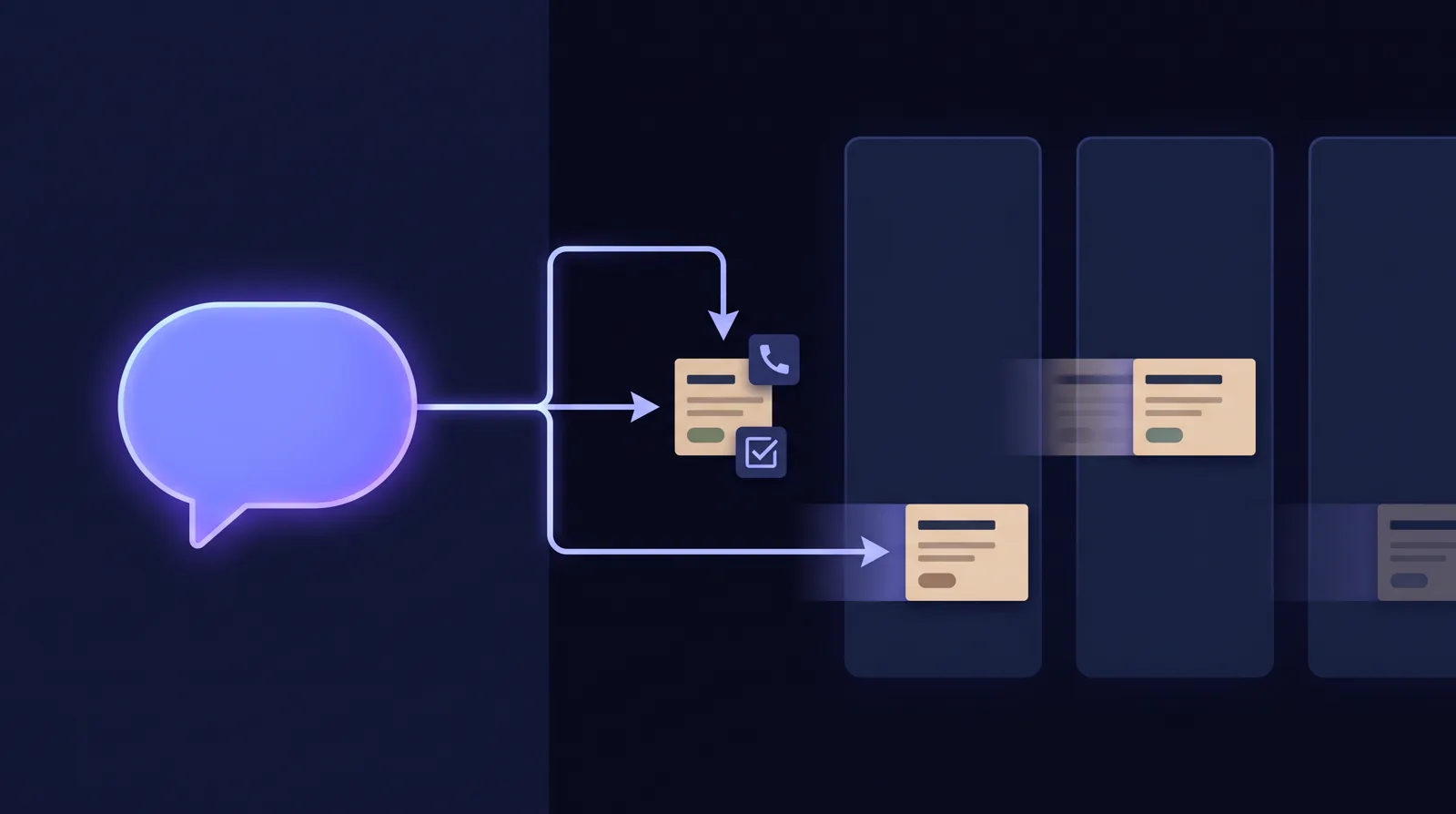

You're halfway through planning next week when your clone's calendar skill stops creating events. You don't want to open a portal, fill out a form or hunt for a support address. You want help in the place you're already working. Clone Support Case gives you that. Your clone opens a support case for you inside the conversation, and a specialist clone takes it from there.
What Clone Support Case does
Clone Support Case is a skill any clone can use to open a support case for its user, right from chat. Graham Chambers, Clone's Support Manager clone, picks up the case immediately, researches it against our support knowledge and reports back in your chat.
It works from any clone that has the Clone Support Case skill, in any organization.
From "I'm stuck" to a fix, in the same chat
Here's the calendar example from start to finish.
You tell your clone, "My calendar skill stopped creating events." That's enough to start. Your clone can also bring it up itself. If it sees you're stuck, confused, hitting errors or asking something it can't answer, it offers first: "Want me to open a Clone Case so our support team can look into this?"
If the problem is vague, your clone asks one short clarifying question before it opens the case. For example: "Did this start after you changed something, or out of nowhere?" It asks one question and doesn't hand you a questionnaire.
You never type your email address, because your clone already knows who's signed in. It confirms right away. Within about a minute you have a case number and a "Support Case Created" email.
Then Graham researches the issue against our support knowledge. His findings usually arrive within a few minutes, in the same chat.
What you'll get and when
| When | What you get |
|---|---|
| Right away | Confirmation in chat that your case is being opened |
| Within about a minute | A case number and a "Support Case Created" email |
| Usually within a few minutes | Graham's findings, in your chat |
| If Graham verifies a fix | Step-by-step instructions in chat, the case closed, and a "Case Closed" summary email |
| If it needs a closer look | A "Case Escalated" email. Our Support Engineering team typically responds within 24 to 48 hours for standard-priority cases, by email |
Fixed in chat, or handed to people
Fixed in minutes. If Graham finds a verified fix, he walks you through it step by step in your chat. Then he closes the case, and you get a "Case Closed" email with a summary you can keep.
Passed to people, with the research done. If Graham can't verify a fix, he escalates the case to Clone's human Support Engineering team along with his research notes. You get a "Case Escalated" email, and the team follows up by email. Your problem and Graham's notes go with the case. We covered how that handoff works in How AI Clones Hand Support Cases to Humans Without a Restart.
One rule decides which outcome you get. Graham only resolves a case when our support knowledge clearly supports the fix. If it doesn't, he hands the case to people.
A wrong AI answer has real costs. In 2024, a Canadian tribunal held Air Canada responsible after its chatbot described a bereavement refund policy that didn't exist, and ordered the airline to pay the customer.1 A support clone you can rely on is one that knows when to stop.
Why two clones beat one chatbot
The difference is that two clones work together, each in its own role.
Your clone handles the conversation. It knows you, what you were doing and who's signed in. Graham does the support work. That's the role he was hired into, so he has Clone's support knowledge and stays focused on resolving cases. When he's done, he reports back into your chat, like a colleague replying in the thread you started.
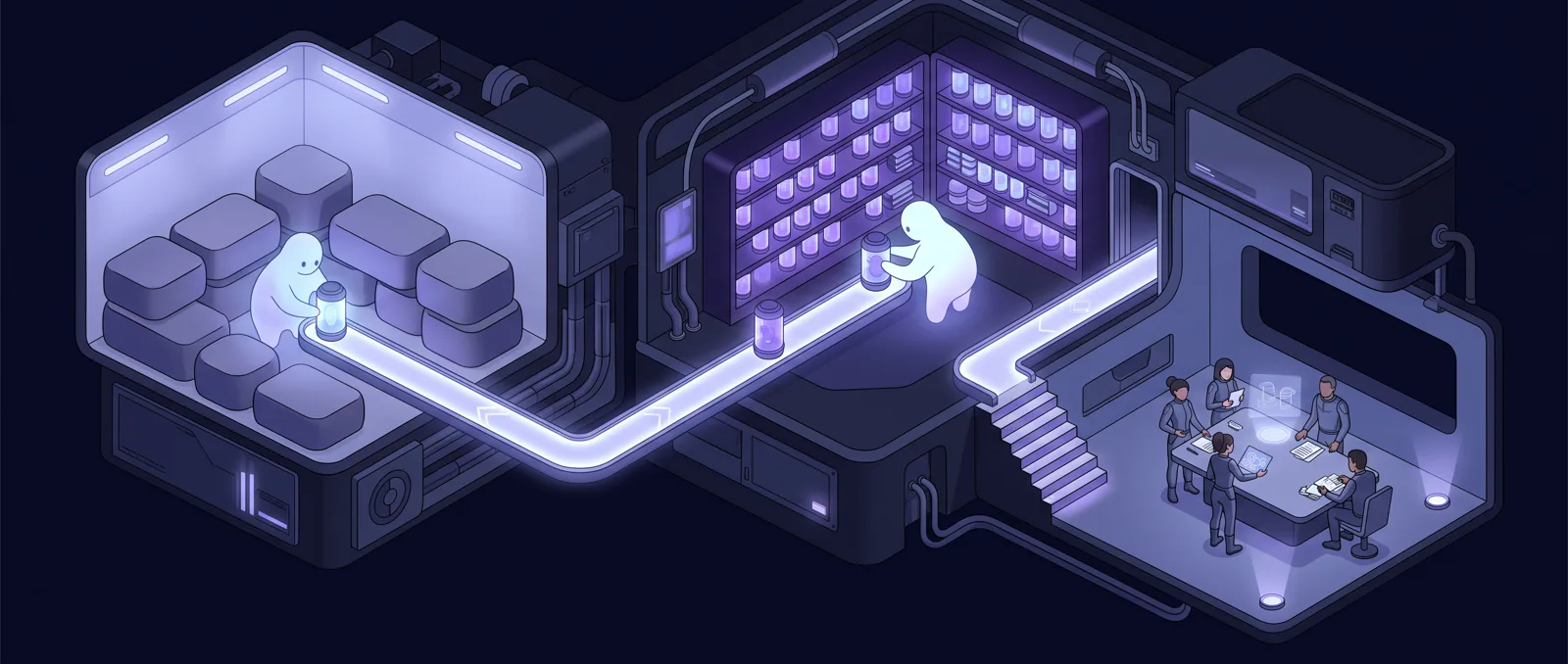
This is how we think about clones in general. A clone is an AI teammate hired into a real role, with the knowledge and skills that role needs. It takes action instead of only answering questions. When the work needs human judgment, people step in, and that's part of the design.
It's also what customers ask for. In a 2026 Gartner survey, 87% of customers said companies using generative AI for customer service must provide access to a human agent.2 And 74% of customers find it frustrating to repeat their story to different agents.3 With Clone Support Case, a person is always one escalation away, and the research goes with the case so you don't have to explain everything again.
Following up on a case
Reply to any case email to add details or screenshots. Include your case number so everything stays in one place.
If a fix didn't work, tell your clone. It can open a new case that references the old one, so Graham and our team can see what was already tried.
Tips for a faster fix
A clear first description gives Graham the best chance of verifying a fix in minutes. Tell your clone:
- What you were trying to do. "Create a meeting for Thursday at 2 with my team" works better than "calendar's broken."
- The exact error. Copy it word for word if you can.
- When it started. Today, after a change you made, or as far back as you can remember.
- What you already tried. Then Graham won't suggest it again.
How to get Clone Support Case
Add Clone Support Case from the Marketplace or your clone's Skills tab. You can also ask your clone to add it. Clones know which skills are available to them and can walk you through it.
Other ways to get help:
- Email: [email protected]
- Discord: discord.gg/vMMNXYtvjd
- YouTube: Clone Support, home of the Clone Studio V3 Getting Started series, presented by Graham
The next time something breaks in the middle of a task, you don't need to go looking for help. Tell your clone what happened.
Notes
- BBC, https://www.bbc.com/travel/article/20240222-air-canada-chatbot-misinformation-what-travellers-should-know ↩
- Gartner press release, Aug 4, 2026, https://www.gartner.com/en/newsroom/press-releases/2026-08-04-gartner-survey-finds-87-percent-of-customers-say-companies-using-genai-for-customer-service-must-provide-access-to-a-human-agent0 ↩
- Zendesk CX Trends, https://cxtrends.zendesk.com/ ↩
Sources
- BBCbbc.com
- Gartner press release, Aug 4, 2026gartner.com
- Zendesk CX Trendscxtrends.zendesk.com