"I never opened the CRM today. My clone updated it anyway."
That's the idea behind Clone CRM. Every CRM assumes your people will type everything in. They don't, so the data goes stale. With Clone CRM, your clone keeps the CRM current as part of its job. You talk. You don't click.
Clone CRM is available now to every Clone customer as an opt-in. Here's what it does and how to have it turned on.
Talk. Don't click.
You create, find, update and report on records by talking to your clone, in chat or by voice. You don't have to hunt for the right form, tab or field.
You still get a full CRM on screen. At crm.clone.org you can browse records, review your pipeline and read dashboards. You do the work in chat and look things over on the site.
One sentence, several steps
Here's a typical update after a call:
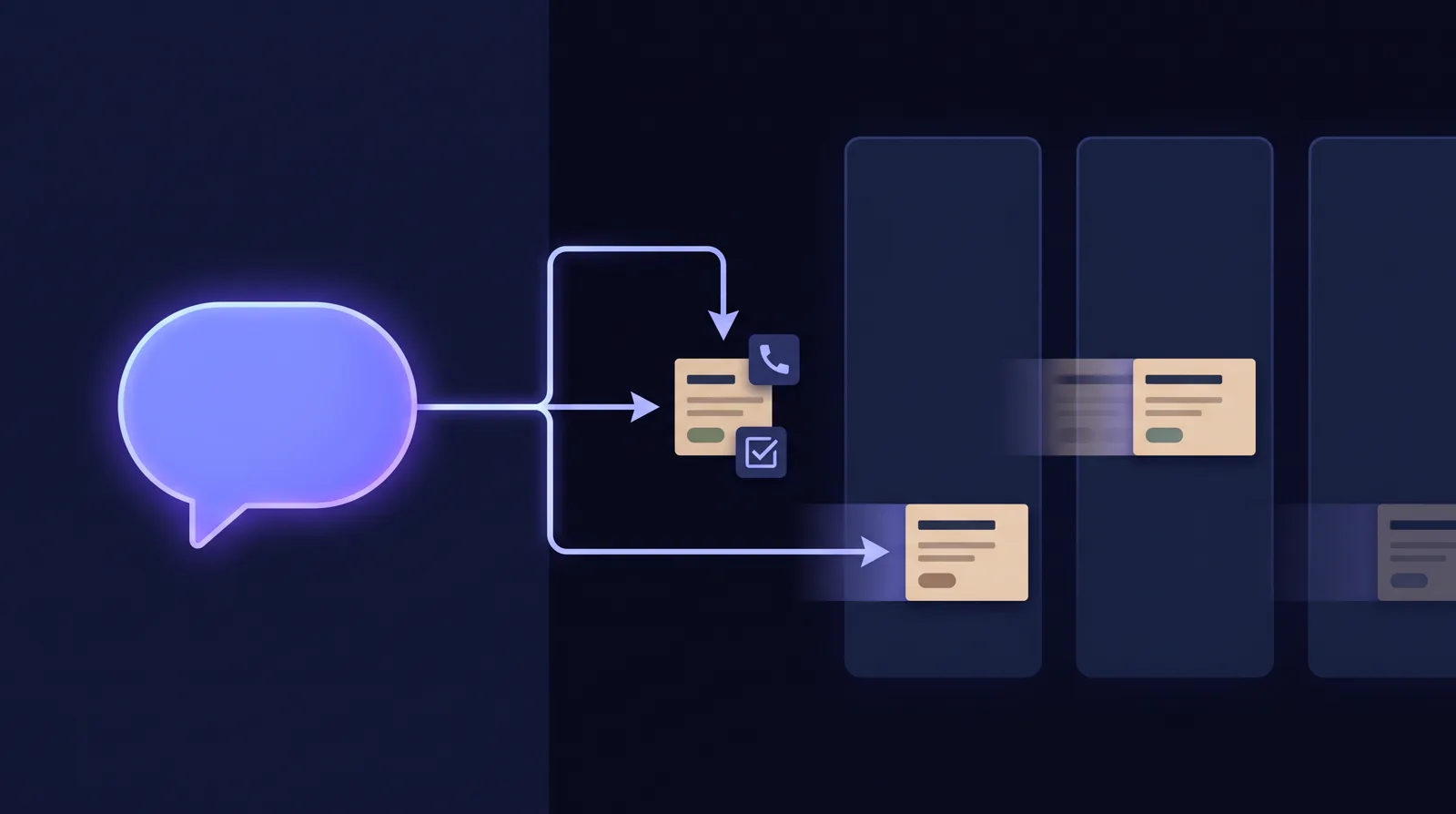
"Just got off with Dana Lee at Harbor Logistics. She wants pricing for 25 seats and a security review. Follow up Tuesday."
From that one sentence, your clone logs the call, moves the deal to Proposal, adds the next step and creates the follow-up task. In a traditional CRM, that's several screens. Here it's one request.
Right after a conversation, the details are still clear. That's when they should become a record, and with Clone CRM, that's when they do.

Everything a sales and support team tracks
Clone CRM covers the objects you'd expect:
- Leads, with lead conversion
- Accounts and contacts
- Opportunities and deals, with contact roles
- Activities: calls, emails, meetings, tasks and notes
- Campaigns, with members
- Cases, with comments
You can also add your own custom fields and record types. Ask your clone in chat, or add them on the Setup page.
A closing partner, not a list of records
Ask your clone what's at risk. You get names, the reason each deal is at risk and a suggested next move. Your pipeline review becomes a short conversation instead of a long scroll. More at clone.org/crm/sales.
Support that remembers
Each case keeps its full history and every comment, so nobody has to piece the story back together before replying. You can see how long cases have been open (case aging) and ask which accounts need a call today. More at clone.org/crm/support.
Dashboards, or just ask
Clone CRM has 9 dashboard tabs across Sales, Activity and Support. Open them at crm.clone.org when you want the full view.
Or ask a question in chat. Your clone answers with a chart and a link to the right dashboard. See clone.org/crm/dashboards.
A traditional CRM vs. Clone CRM
| A traditional CRM | Clone CRM | |
|---|---|---|
| Who keeps it current | Your people, after every call | Your clone, as part of the job |
| How you update it | Forms, fields and clicks | One sentence, by voice or chat |
| Activity logging | Manual, so it mostly doesn't happen | Automatic, from the conversation |
| Multi-step changes | One screen at a time | One request: log, move, task, done |
| Reports | A blank report builder | 9 dashboards, plus charts in chat |
| Help closing deals | A list of records | A partner that flags risk and drafts the next move |
What you may notice
- Your data stays yours. Each organization's records are walled off at the database level. No other customer can see them in chat, on screen, in charts or through links.
- Record links sign you in once. When your clone shares a record link, the link opens the CRM, works one time and expires after 10 minutes.
- Change history is built in. You can see who changed which field and when.
- Your clone asks before big changes. It checks with you before changing more than 10 records or deleting anything. It also asks which record you mean when a name matches more than one.
We run Clone on it
Clone runs on Clone CRM. We moved our own Salesforce data into it, including years of accounts, contacts, leads, deals, cases and activity history. It's built and tested on real business data, not a demo.
If you're moving from another CRM, we'll help you bring your data in. Learn more at clone.org/crm/switch-from-salesforce.
Tips
- Right after a call, tell your clone what happened in one sentence: the person, the company, what they want and when to follow up.
- Start your pipeline review with "What deals are at risk this month?"
- Ask "Show me open pipeline by stage" to get a chart and a link to the matching dashboard.
- When you need a field that isn't there, ask your clone to add it.
- Before your clone changes many records, it shows you what it plans to do. Read the list before you say yes.
How to get it
Clone CRM is available now to every customer as an opt-in. To have it turned on, email [email protected] or talk to your Customer Success Manager.
Once it's on, ask your clone to "open the CRM." Then tell it about your last call. Learn more at clone.org/crm.
Tags: Product, Clone CRM, Sales, Customer Support