Training, onboarding and recruiting videos from a clone
Give every new hire the same strong first week. Your clone produces the training and recruiting videos HR keeps asking for.
HR and L&D teams own a long list of videos: onboarding, policy updates, role training, employer brand. Each one waits on a vendor or a busy subject expert. A clone hired into an enablement or people role turns documents and recordings into structured, captioned training videos, with HR approving scripts before rendering.
Six formats: Internal Training / Onboarding, Recruitment / Employer Branding, Change Management / Transformation Story, Course / Syllabus Review, Webinar Recording / Panel Discussion and Case Competition / Challenge Highlight. Each has a defined structure, so a training library built by your clone feels consistent across departments and locations.
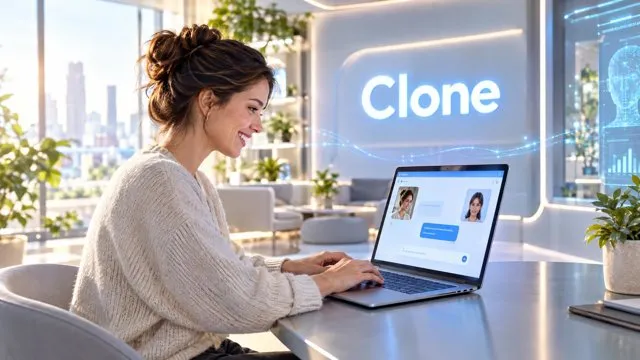 Internal Training / OnboardingYour clone turns SOPs, policies and role guides into structured training videos, so every new hire learns the same process the same way.Try: “Make a 6-minute onboarding video on our returns process from the SOP in the ops wiki, for new warehouse staff. Send the script to the site manager for approval.”How it works Recruitment / Employer BrandingYour clone produces recruitment and employer brand videos for talent acquisition, built from employee stories, real programs and the roles you're hiring for.Try: “Make a 3-minute employer brand video for our engineering org using the employee interview notes and office photos in the talent folder. Send the script to HR and Comms before rendering.”How it works
 Change Management / Transformation StoryYour clone produces change management videos that tell the story of a merger, restructuring or digital transformation honestly, milestone by milestone.Try: “Make a 5-minute transformation story on our ERP rollout for the all-hands, using the program milestones and the employee pulse survey themes. Send the script to the program lead and HR first.”How it works
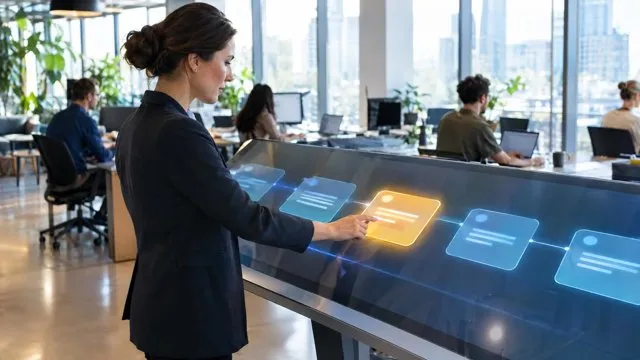 Course/Syllabus ReviewYour clone produces course and syllabus overviews for academies, universities and corporate learning programs, so learners know what to expect before day one.Try: “Make a 3-minute overview of the Leadership Essentials program from the syllabus in the L&D drive, brand template. Send the script to the program owner before rendering.”How it works
 Webinar Recording / Panel DiscussionYour clone turns webinar, panel and roundtable recordings into structured highlight videos that keep working long after the live session ends.Try: “Make a 6-minute recap of last week's CFO roundtable from the recording in the events folder. Include the poll results and send the script to the event owner before rendering.”How it works
 Case Competition / Challenge HighlightYour clone produces announcement and recap videos for internal challenges, hackathons and case competitions, highlighting teams, ideas and business impact.Try: “Make a 4-minute recap of the Q2 hackathon using the team submissions and judges' scoring sheet. Feature the top six teams and send the storyboard to the innovation lead first.”How it works
Just tell your clone
Delegate it the way you'd brief a teammate. Click a line to copy it.
People & Training videos: questions
Can it build a full onboarding curriculum?
Yes. Give your clone the outline and source documents. It produces each module in the same format, so the curriculum feels like one program.
How do we keep training compliant?
Send approved policy language and keep script approval on. HR, legal or compliance can edit lines before any video is rendered.
Can videos be updated when policies change?
Yes. Send the revised policy and ask for an updated version. Your clone changes the affected sections and re-renders.
Want a clone of yourself to make these?
See this category written for creators on Clone.me Media.
More video categories
Updated October 2026