Help on day one. A playbook to Day 365.
Clone Support has the answers, the how-to videos, your cases, and Graham, a support clone you can talk to around the clock. Its partner app, Clone Solutions, is the open playbook and workspace for enterprise rollouts.
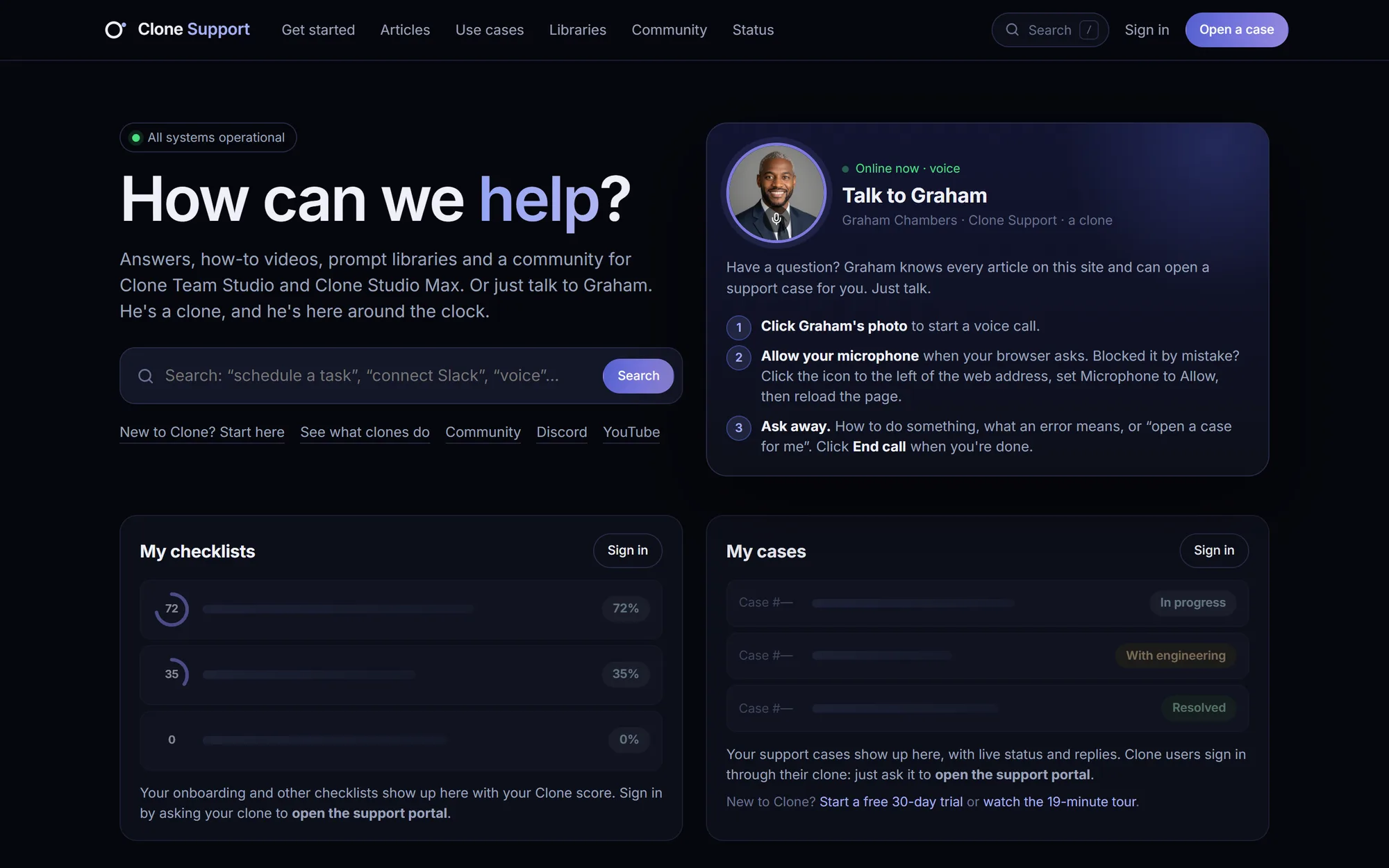
How you open it: tell your clone “Open the support portal”. It sends a private one-time sign-in link. No extra password.
Talk to Graham
A support clone on the home page. Start a voice call at any hour; he knows every article and can open a case for you.
Articles and how-to videos
Step-by-step guides and a Getting started path of short videos for Clone Team Studio and Clone Studio Max.
Your cases
Open a case, follow its live status and reply, all from My cases.
Checklists with a Clone score
Onboarding checklists that link to the article for each step and track how far along you are.
Community
Ask questions, vote, mark answers as solved and request features. Graham answers first.
Status and changelog
See whether everything is running and what has changed.
From first clone to power user.
Browse articles by topic, follow a learning path, or search. Use cases and prompt libraries show what clones are already doing for teams like yours.
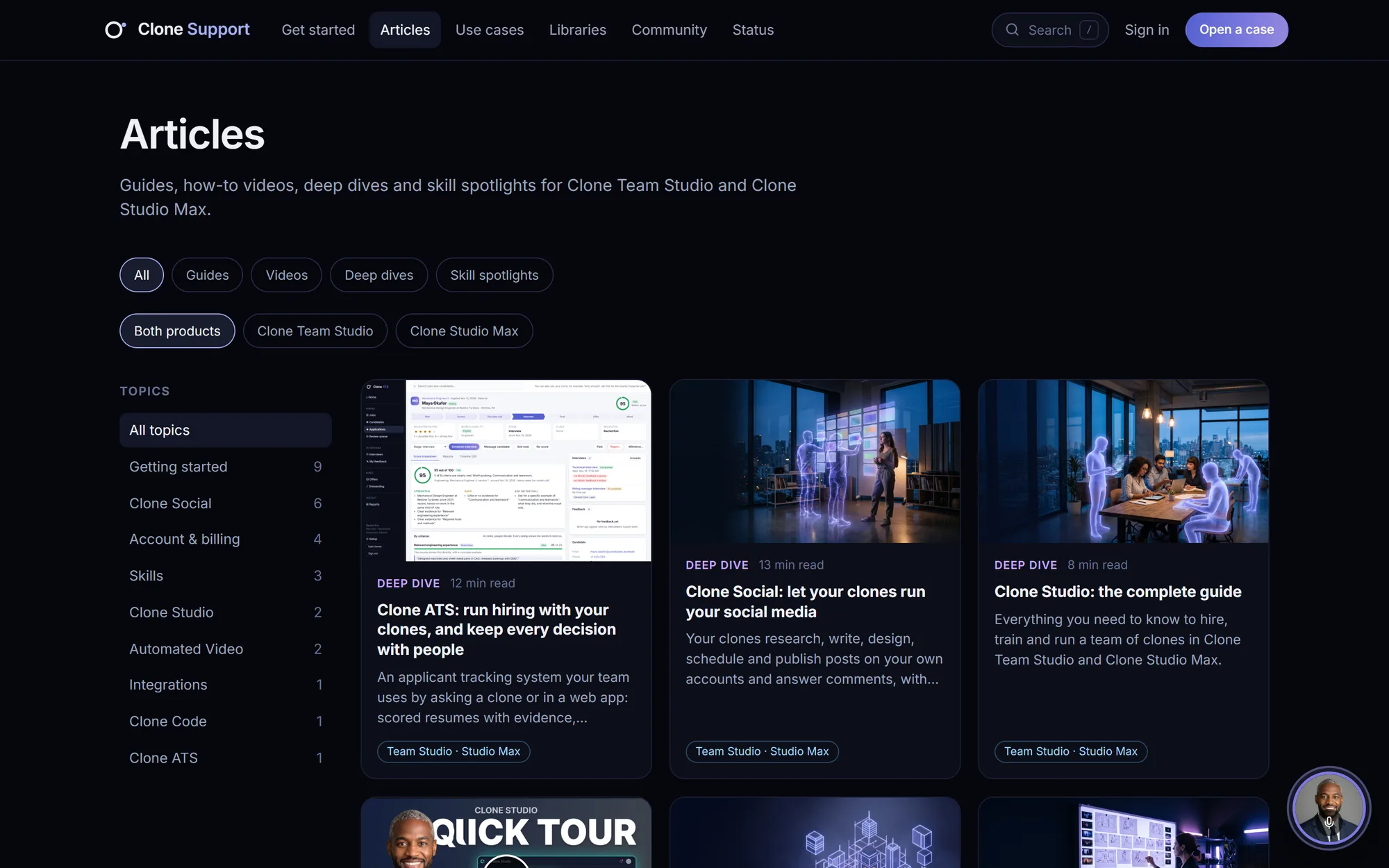
A community with a clone in it.
Post a question and Graham answers first, with people from the Clone team and other customers close behind. Vote on the feature requests you care about.
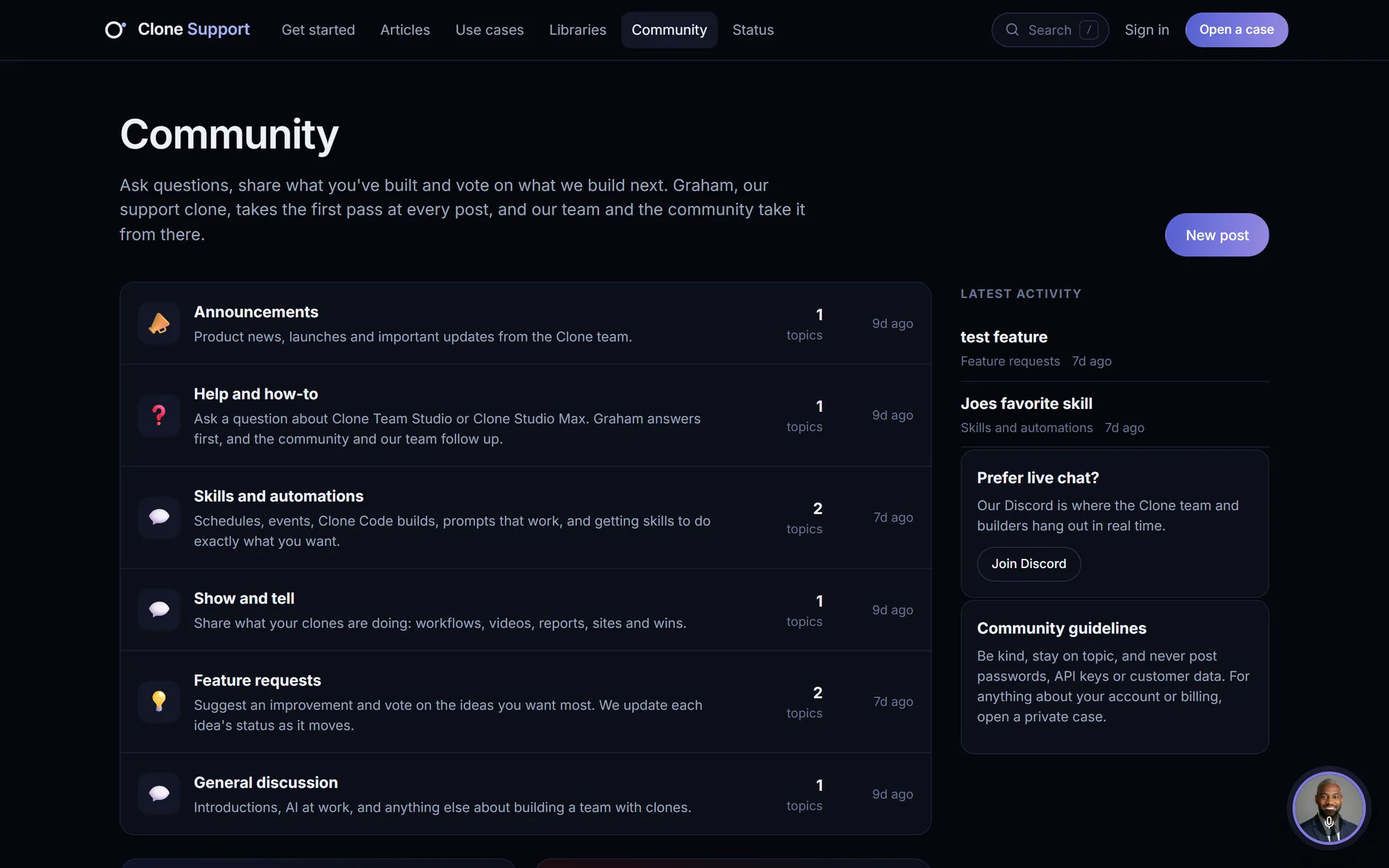
The playbook we run with every enterprise.
solutions.clone.org: open for anyone to read, with a private workspace for each customer.
Adopt Clone life. Day 1 to Day 365.
The milestones, programs, governance and change management it takes to turn an organization into one that runs on AI teammates. Seven stages, nine programs, fourteen sign-off gates and thirty templates, all published.
- The method: Align. Secure. Prove. Scale. Sustain.
- Thirty templates you can download
- An autonomy ladder: clones earn independence with evidence
Every engagement, run in the open.
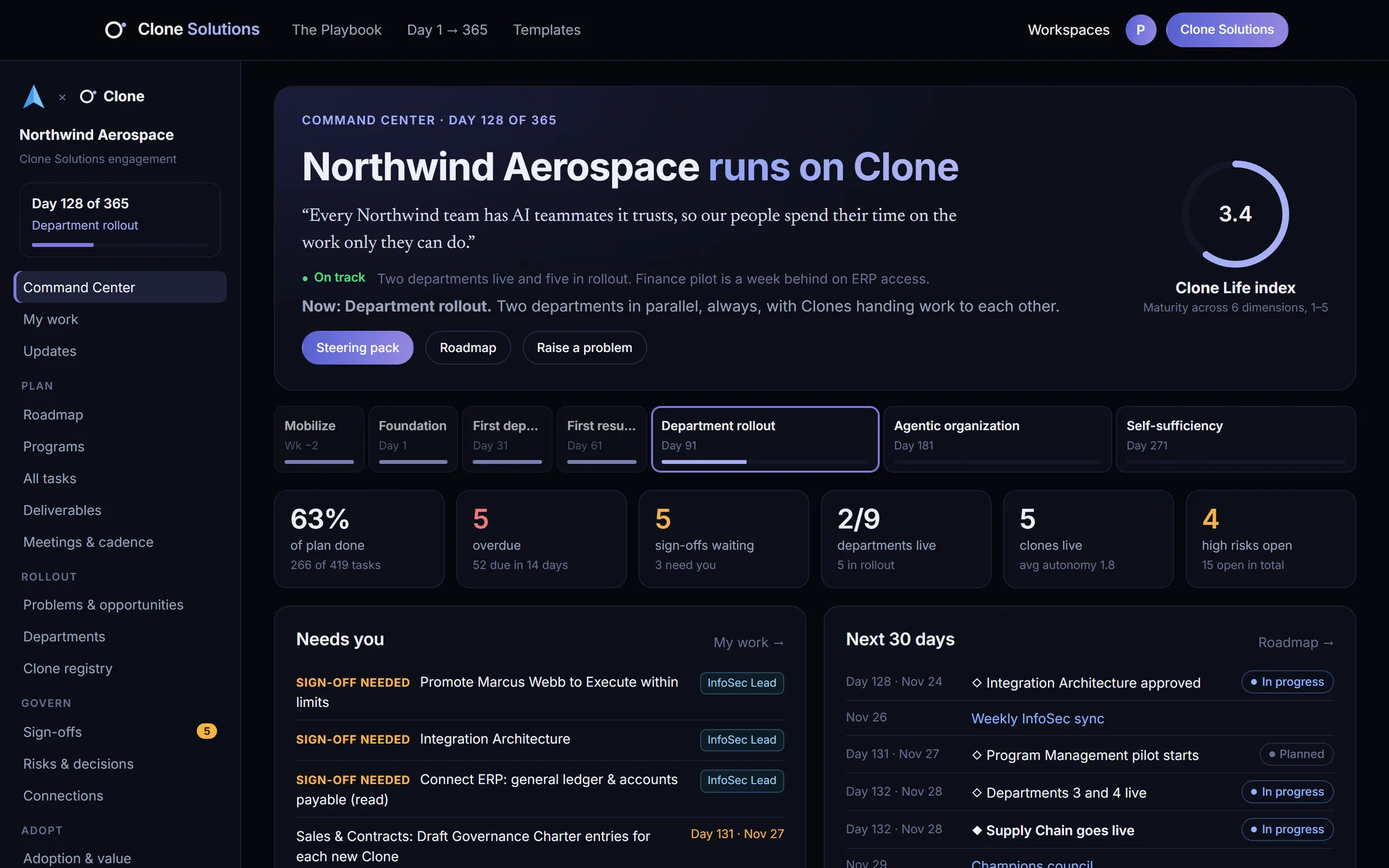
Customers sign in to a private workspace: a command center, the roadmap, programs and tasks, a clone registry with charters and promotions, dual sign-offs, risks and a steering pack.
- Problem statements open support cases automatically
- Ask your clone for status, your work or to log a risk
One clone team. An app for every job.
Every Clone app is built the same way: your clones do the work, your people see it and decide.
Questions, answered.
What is Clone Support?
Clone Support (support.clone.org) is Clone's help center: articles, how-to videos, learning paths, use cases, prompt libraries, a community, system status and a changelog, for both Clone Team Studio and Clone Studio Max. Signed-in users also see their own support cases and checklists.
Who is Graham?
Graham is a support clone. On the Clone Support home page you can start a voice call with him at any hour. He knows every article on the site and can open a support case for you.
How do I open a support case?
Ask your clone to open a case, tell Graham, or use “Open a case” on Clone Support. You can follow the case, see its live status and reply from the My cases page.
What is Clone Solutions?
Clone Solutions (solutions.clone.org) is the app our enterprise rollouts run on. The playbook is open for anyone to read: the stages, programs, sign-off gates and templates. Customers get a private workspace with their roadmap, tasks, clone registry, approvals and risks.
How do the two fit together?
Clone Support is for everyone, every day: answers and cases. Clone Solutions is for organizations rolling clones out department by department with our team. A problem raised in a Clone Solutions workspace opens a case, so nothing falls between the two.
Stuck on something? Ask Graham.
Clone Support is open to everyone, around the clock.