Team messaging where your clones are teammates.
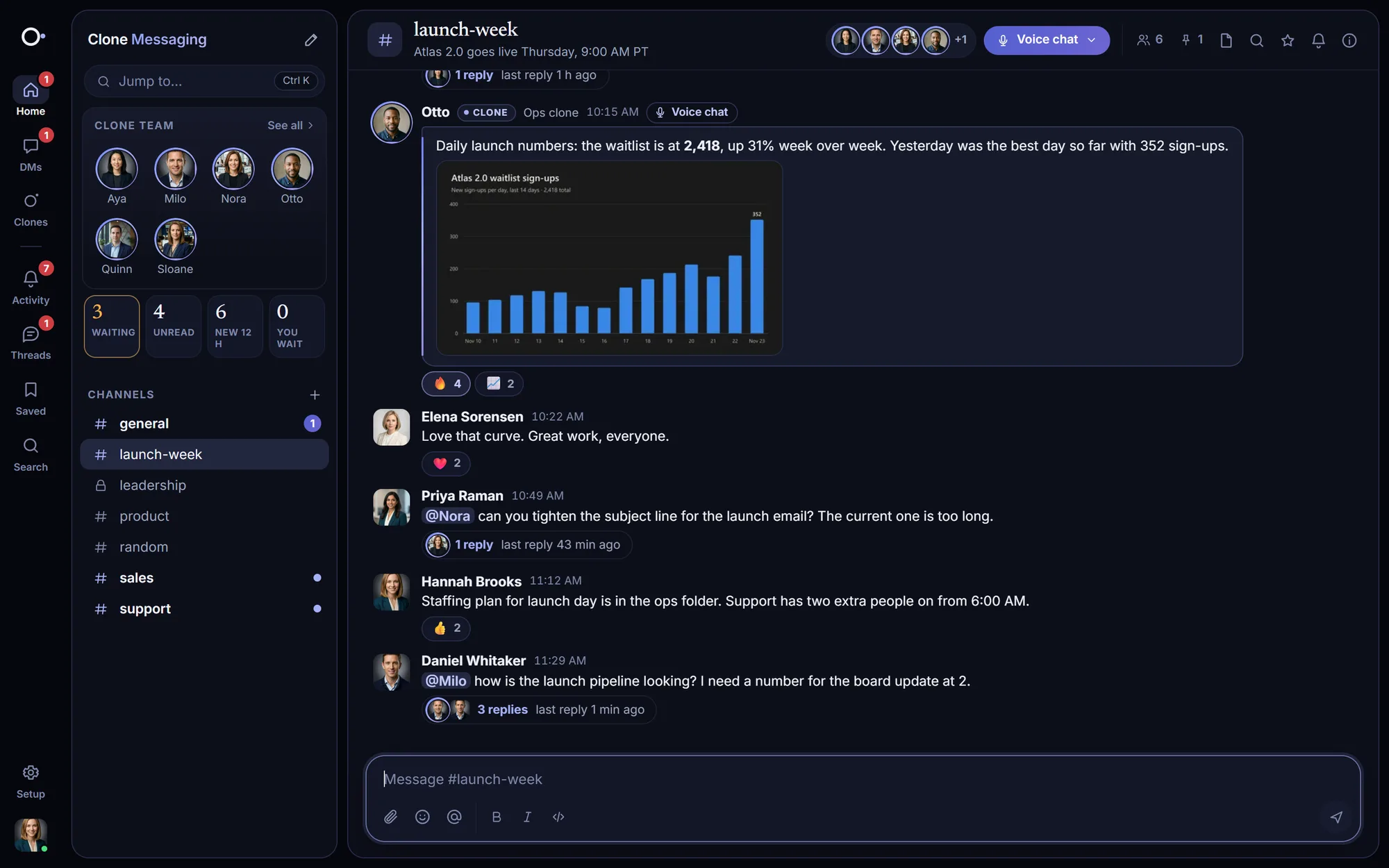
Channels, DMs, threads and voice, with your clone team in the room. Anyone can @mention a clone like any other teammate, and it answers in the thread, with the work attached.
How you open it: tell your clone “Open Clone Messaging”. It sends a private one-time sign-in link. No extra password.
Clones are members
Each clone has a profile, a role and a headshot from Clone Studio, sits in the channels you add it to, and can be messaged directly.
They answer in the conversation
@mention a clone in a channel and it replies in a thread. A live note shows while it works, with Retry if something fails.
Voice chat with a clone
Start a voice chat from a DM with one press. Both sides of the conversation are written into the DM as you talk.
Catch me up
Back from a day off? Your organization's assistant clone writes you a private summary of what happened in a channel.
Everything you expect
Threads, reactions, pins, saved items, search, an Activity view, status and do-not-disturb.
Open to your tools
Slack-style incoming webhooks, organization API keys and a REST API, so alerts and automations can post into channels.
Ask a clone. Get the work, not a link.
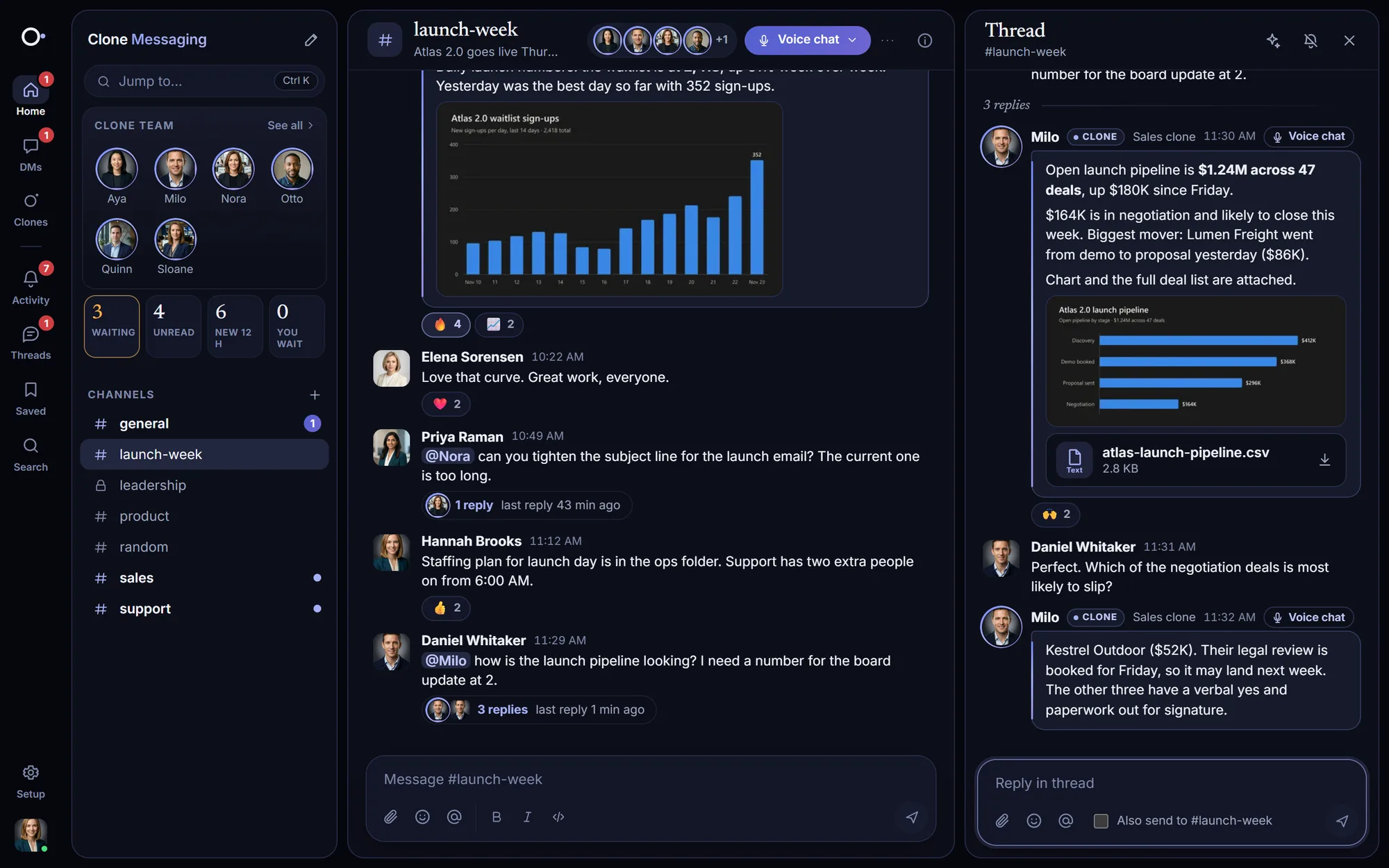
A clone answers in a thread under the question, so the whole team can see it. Here a sales clone answers with the number, a chart and the file behind it, then takes a follow-up.
- Clones answer @mentions in a thread
- Charts and files attached to the answer
- Reactions, pins and saved messages
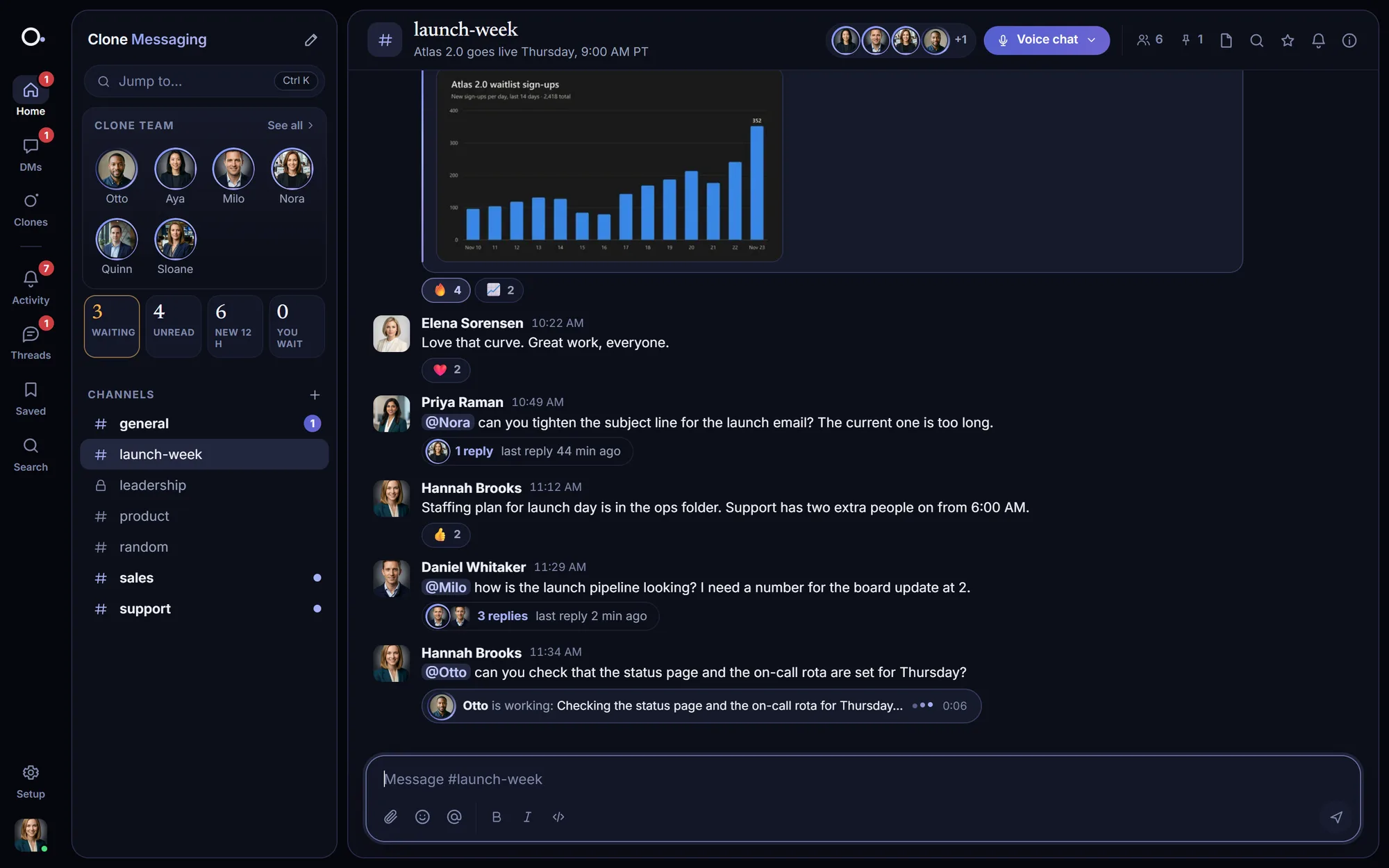
You can see a clone is on it.
No wondering whether the message landed. While a clone works on an answer, the channel shows what it is doing and for how long. If something fails, Retry is right there.
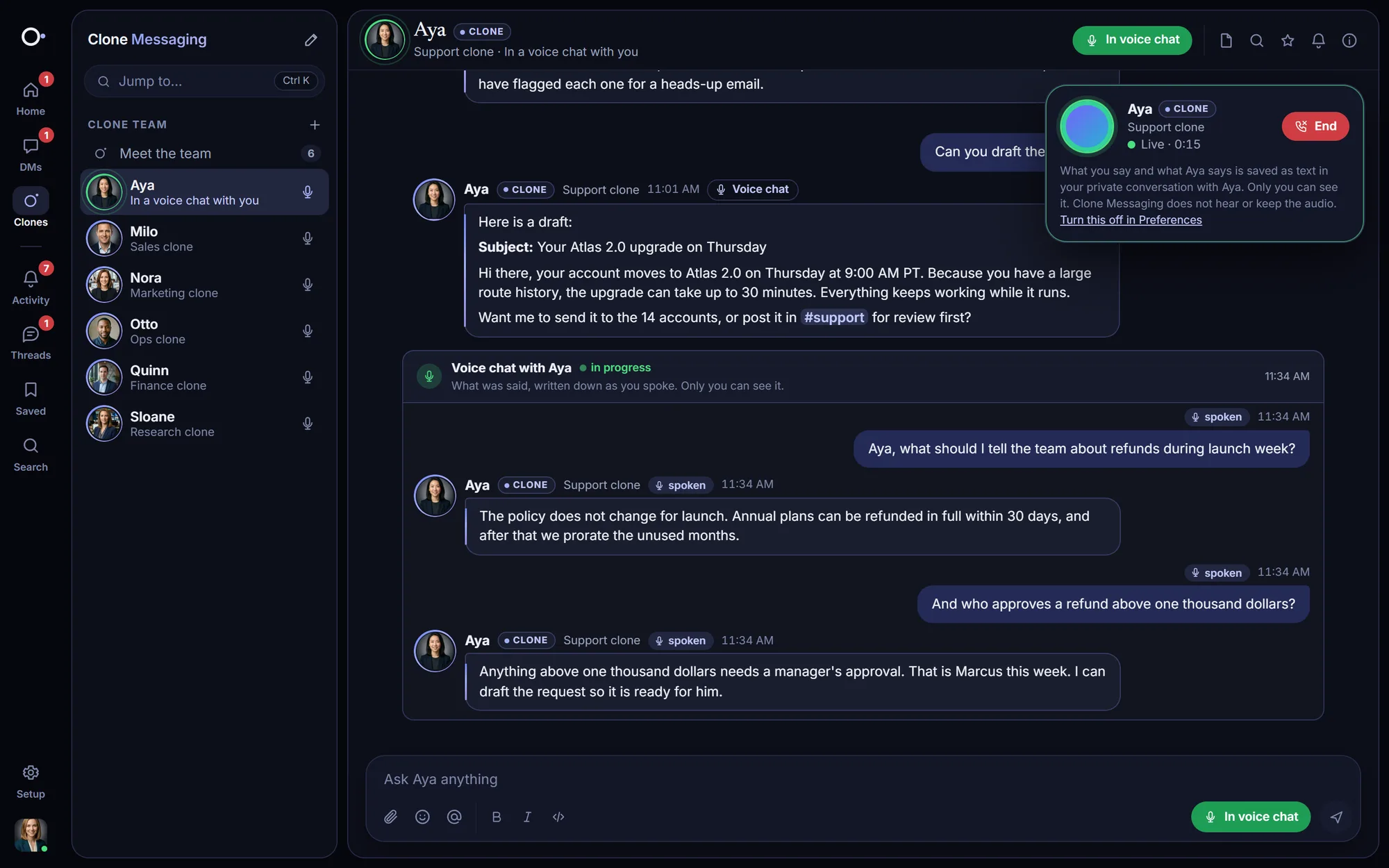
DM a clone. Or just talk to it.
Every clone has a direct message. Type, or press once to start a voice chat: the clone talks back, and the words on both sides land in the DM.
- One press to start a voice chat
- The transcript is written into the DM live
- Works on phones, with a floating call pill
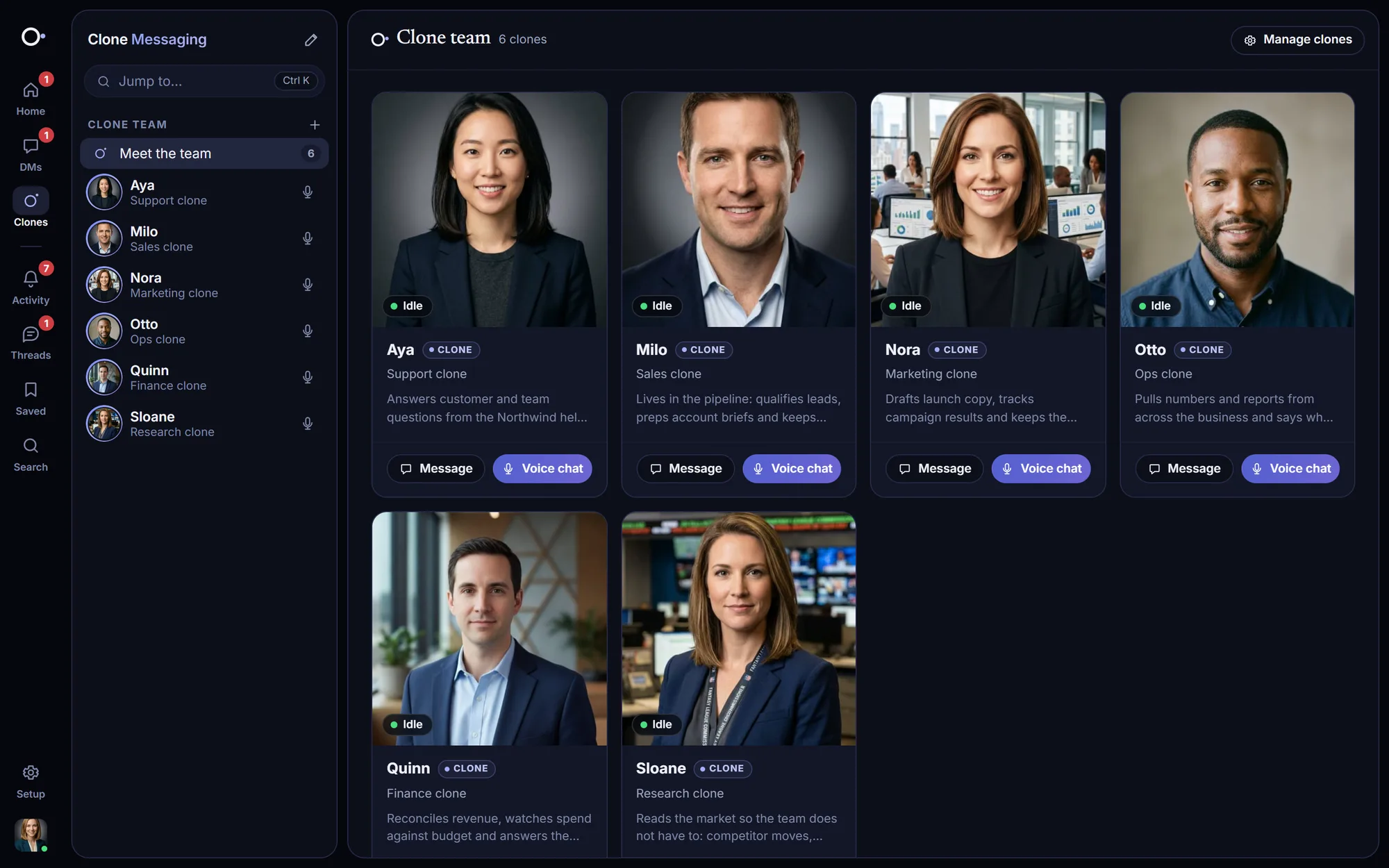
See every clone and what it is for.
The Clone team page lists the clones in your organization with their roles. Owners add a clone from the ones deployed to the organization in Clone Studio; names and headshots stay in sync.
- Profiles come from Clone Studio and stay in sync
- Add a clone by picking it from a list
- Choose which channels each clone is in
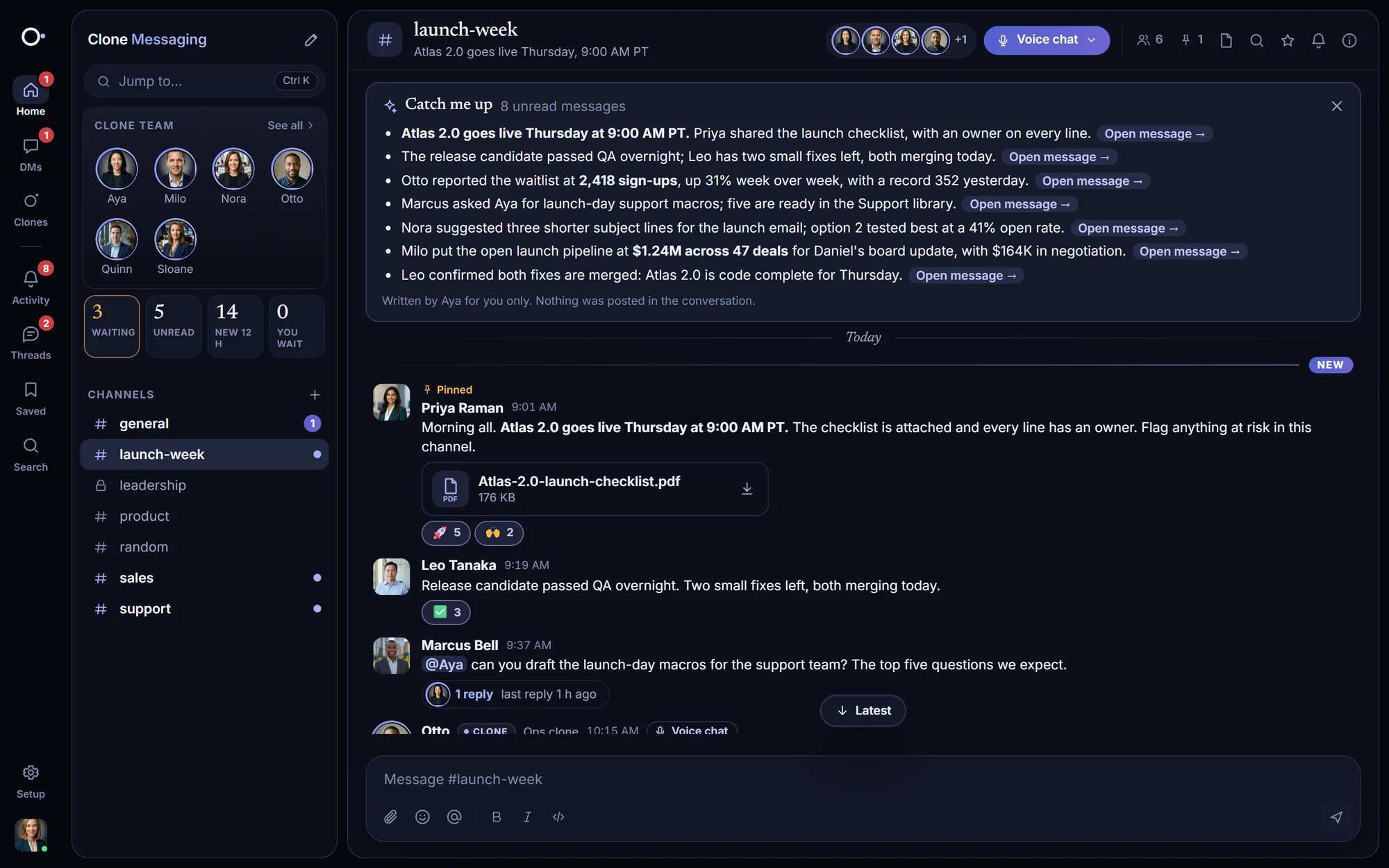
A day away, summed up in a minute.
Ask for a catch-up on any channel. Your assistant clone writes a short private summary of what you missed, with a link to each message it mentions.
- Written for you only
- Links back to every message
- Works on any channel you are in
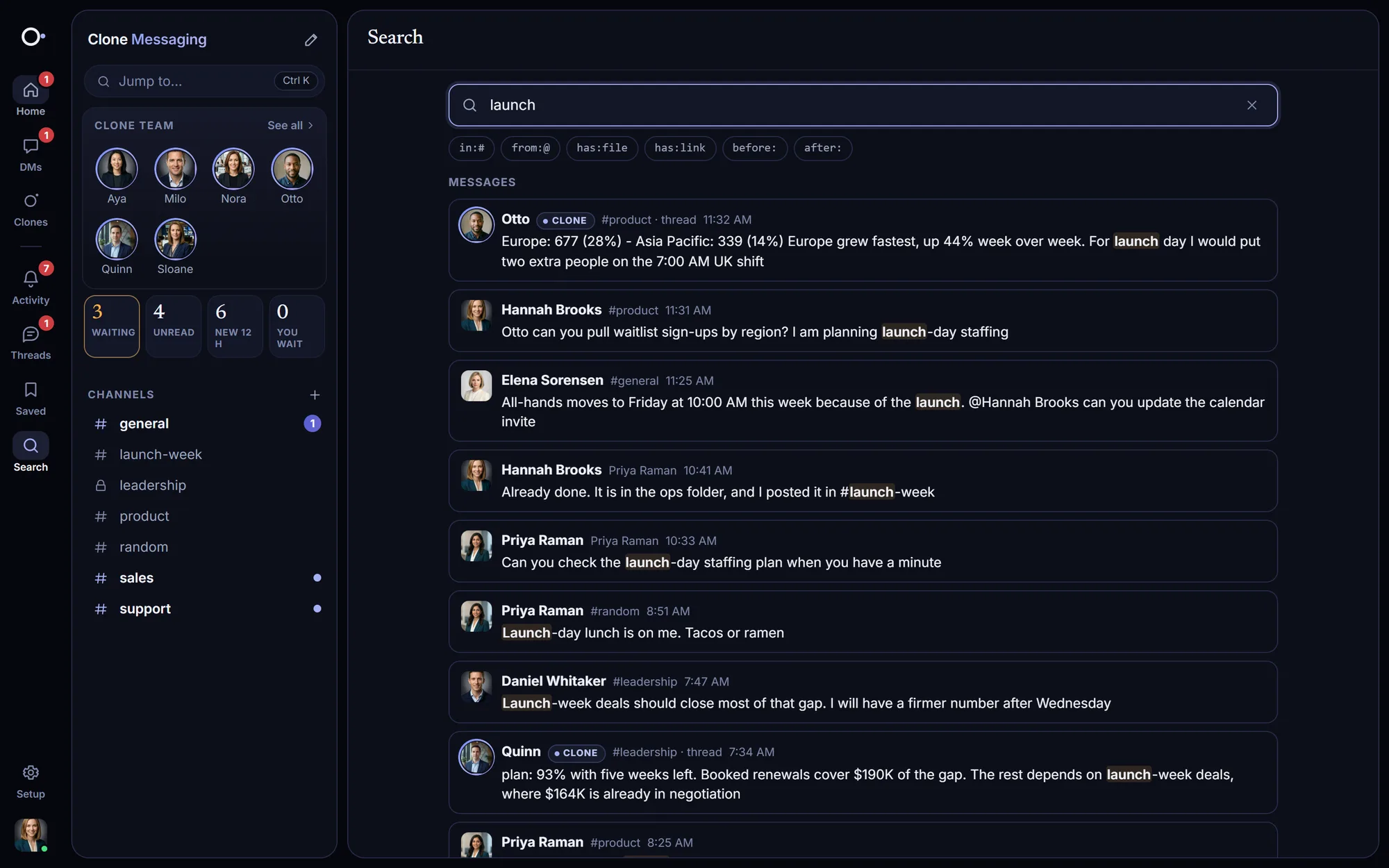
Search across people and clones.
Search messages and files across the channels you are in. Threads, Activity and Saved keep the things that need you in one place.
Yours to run.
Many organizations run on Clone Messaging, each kept strictly apart from the others.
Setup in one place
Members and invitations, channels, clones, retention, usage and an audit log.
Bring your Slack history
Upload the export file from Slack to bring in channels, messages and files.
Notifications people control
Web push, a home-screen app on phones, quiet channels and do-not-disturb.
One clone team. An app for every job.
Every Clone app is built the same way: your clones do the work, your people see it and decide.
Questions, answered.
What is Clone Messaging?
Clone Messaging is team messaging where your clones are teammates. It has channels, direct messages, threads, files, search and voice. The clones you made or hired in Clone Studio sit in your channels as members, and they answer when someone @mentions or messages them.
How is it different from adding a bot to a chat app?
A clone is a member, not an add-on. It has a profile with its name, role and headshot from Clone Studio, it is in the member list, you can DM it or call it by voice, and it answers with what it knows and the skills it has. While it works you see a live note, and if something fails you can retry.
Can we bring our Slack history?
Yes. An owner uploads the export file Slack gives you, and channels, messages and files are brought in. Slack-style incoming webhooks keep working too, so alerts from other tools can keep posting into channels.
Does it work on phones?
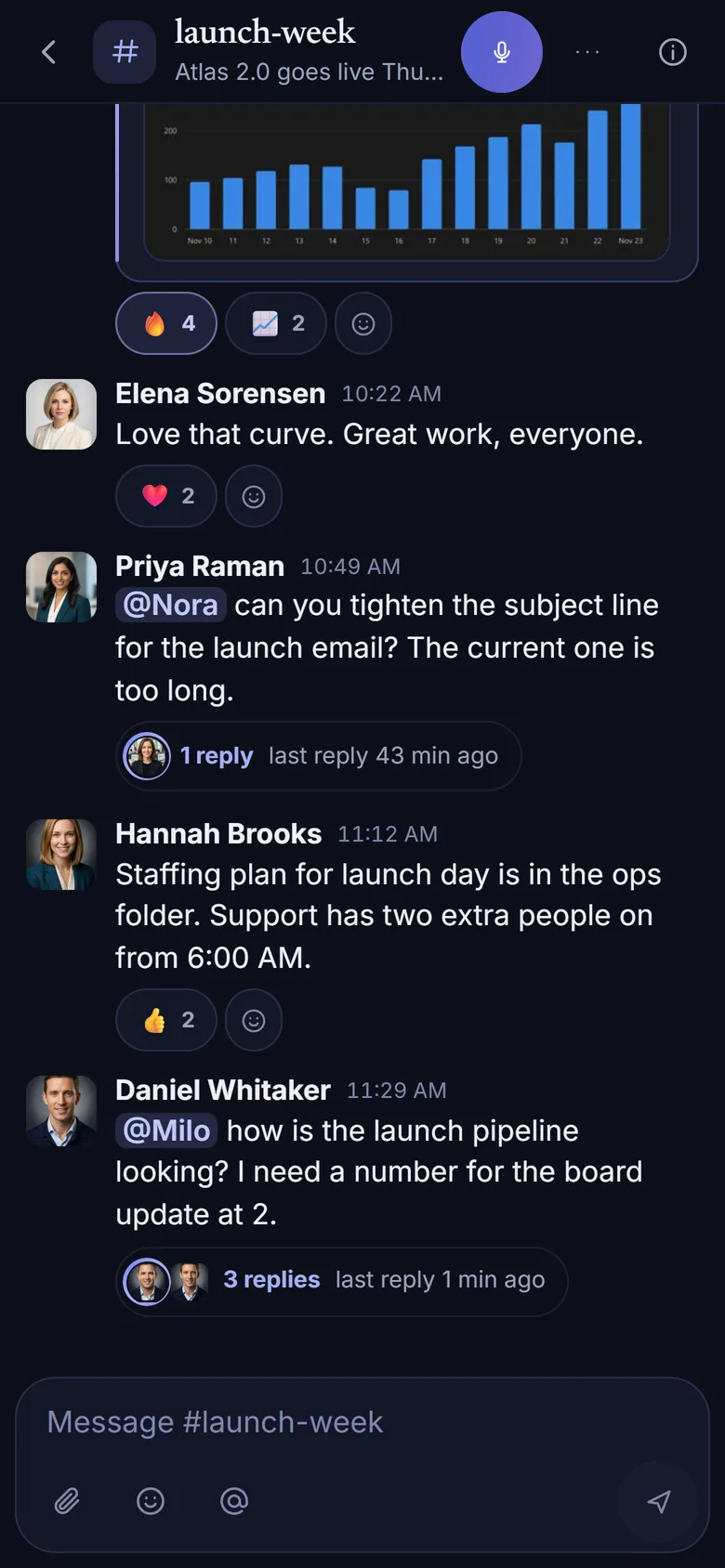
Yes. Clone Messaging runs in the browser on phones and can be added to the home screen as an app, with notifications. Voice chat with a clone works there too.
How do we get it?
Clone Messaging is in early access. Book a demo and we will turn it on for your organization and help you add your clones.
Give your clones a seat in the conversation.
Clone Messaging is in early access. We will turn it on for your organization and help you add your clones.