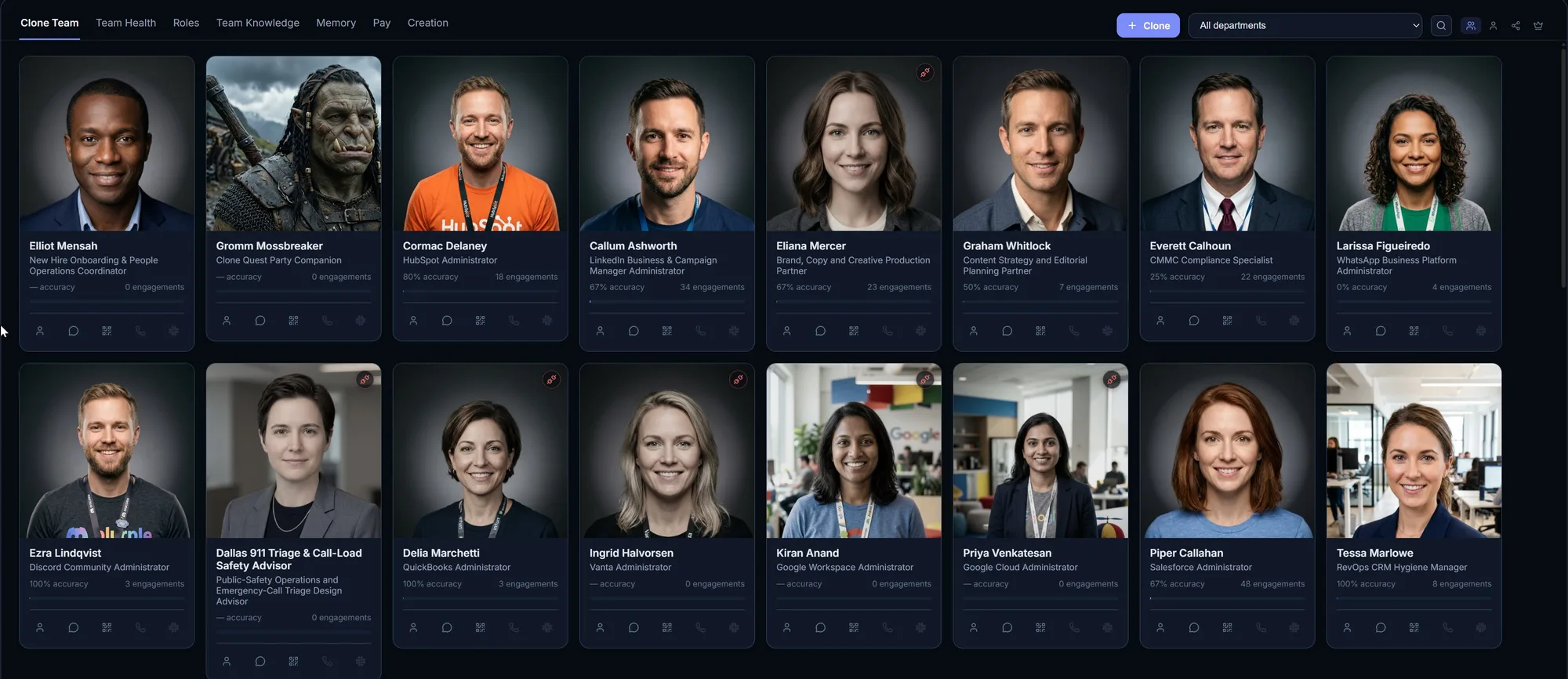
Clone Team Studio
Chat-first: hire role-ready clones from the Marketplace and dive in with them like teammates.
Start freeMessaging, CRM, social, video, hiring, code and support. Clone Apps are where your clone team's work shows up: clones do the work in each app, and your people see it, approve it and stay in charge.
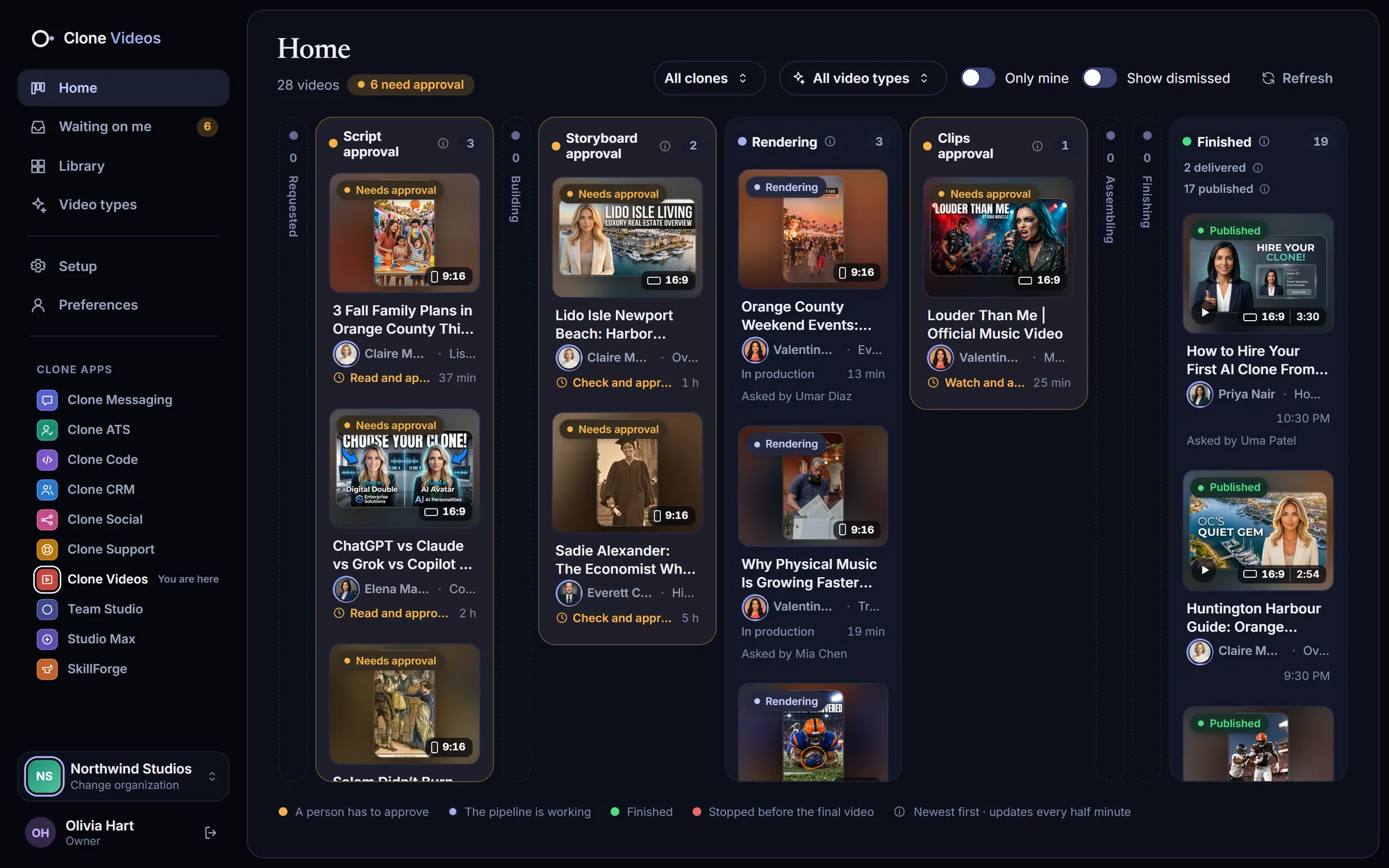
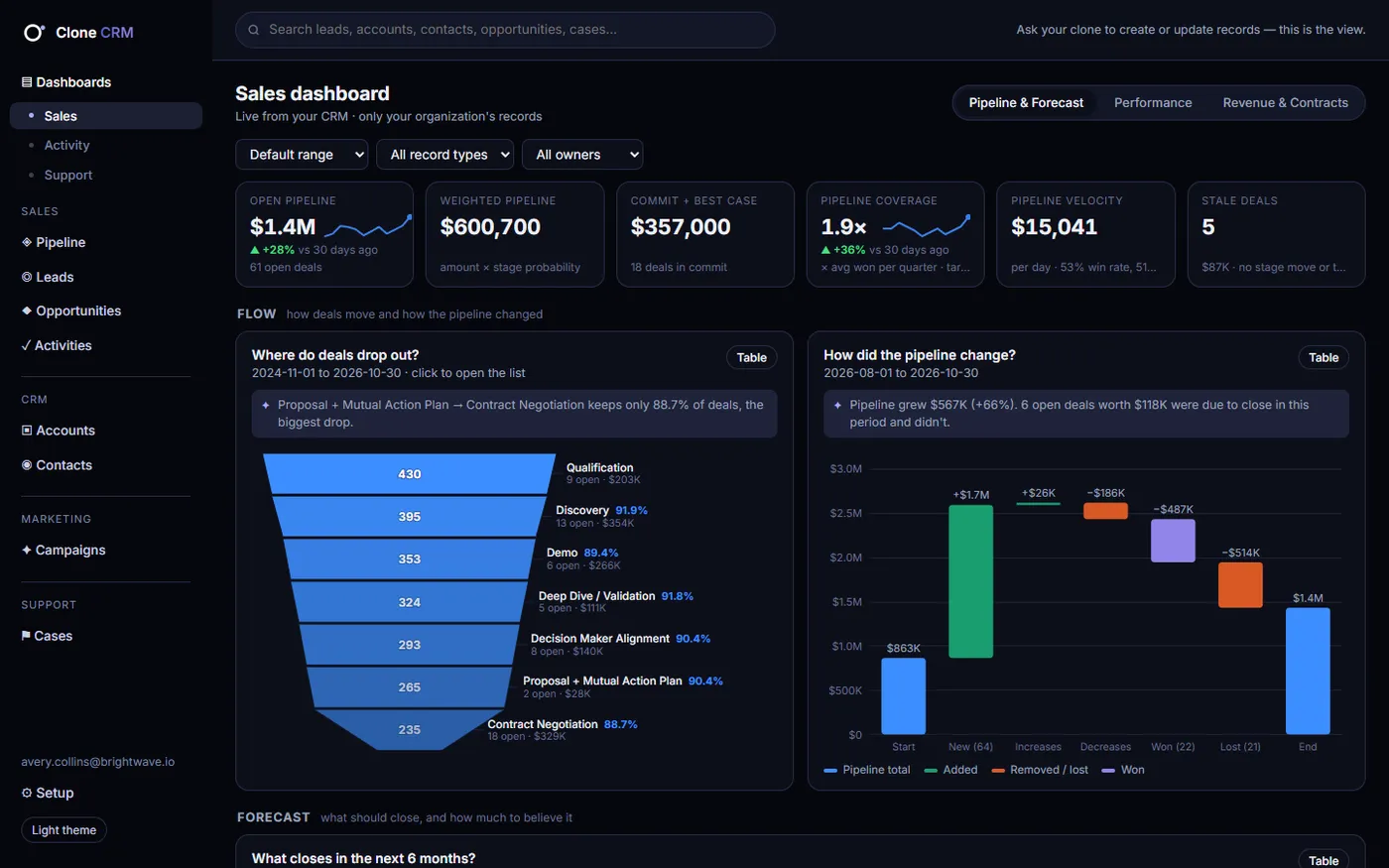
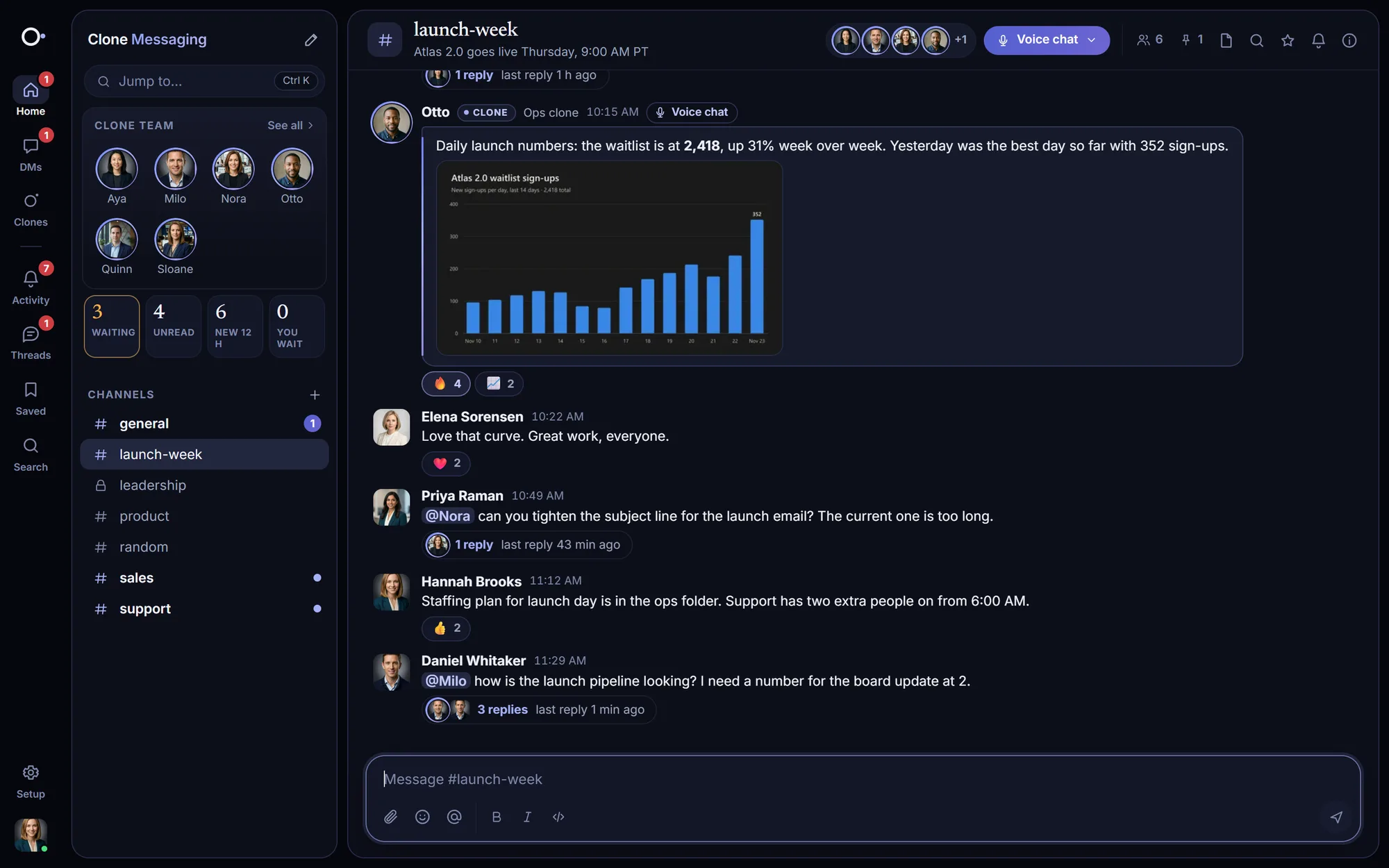
Ask your clone to open any of them. It sends you a private sign-in link.
Channels, DMs, threads, files and voice, with your clones as members. @mention a clone like anyone else on the team and it answers in the conversation.
The first CRM run by Clones. Your clone finds, saves and logs records by chat and builds the reports; crm.clone.org is where your team reviews the pipeline, the dashboards and the cases.
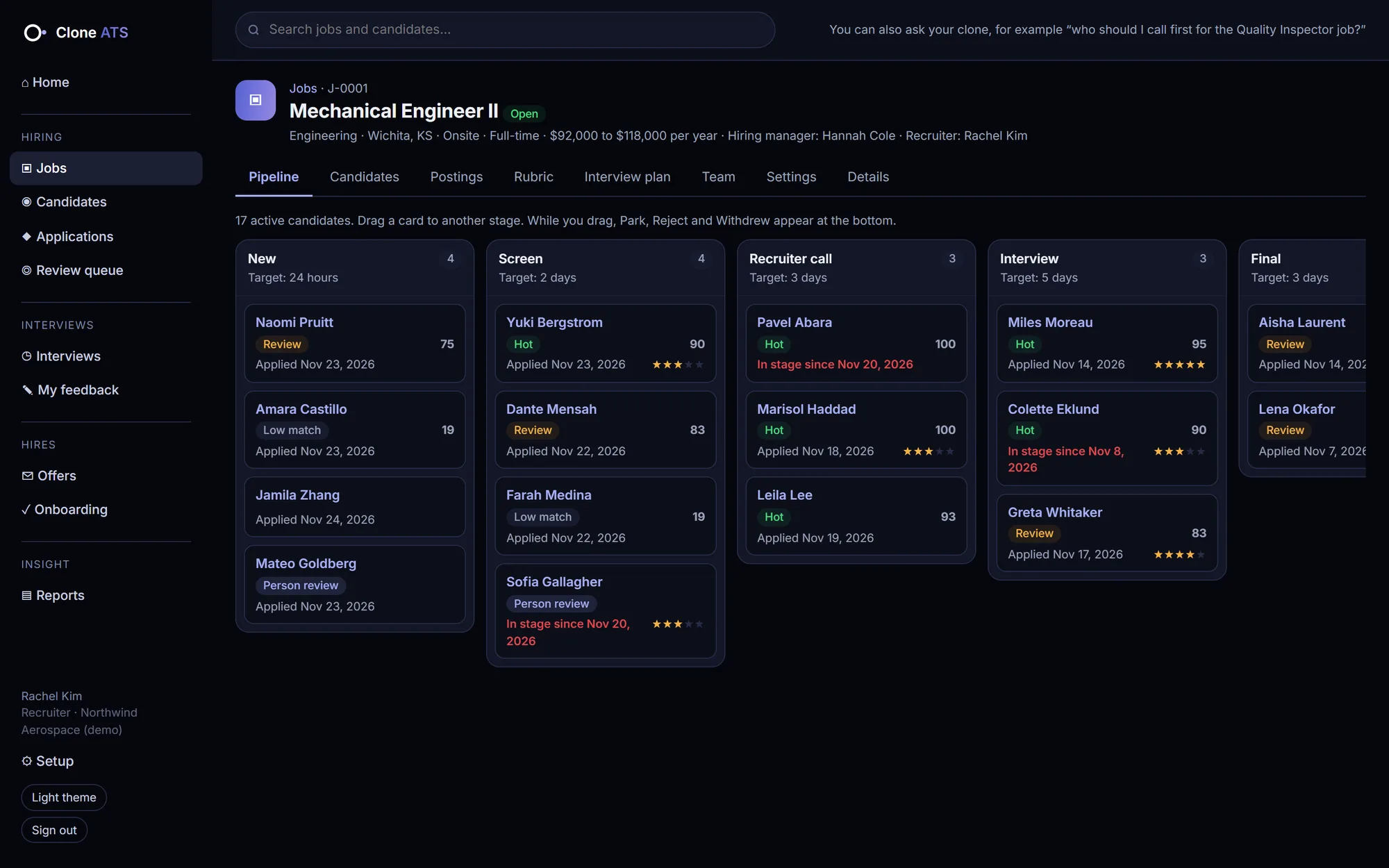
Your clones do the hiring legwork. Your people make every decision. Clones score resumes against your rubric, schedule interviews and collect feedback; they never decide who is hired.
Every video your clones make, in one library: where each one is in the pipeline, who has to approve what, and the finished files.
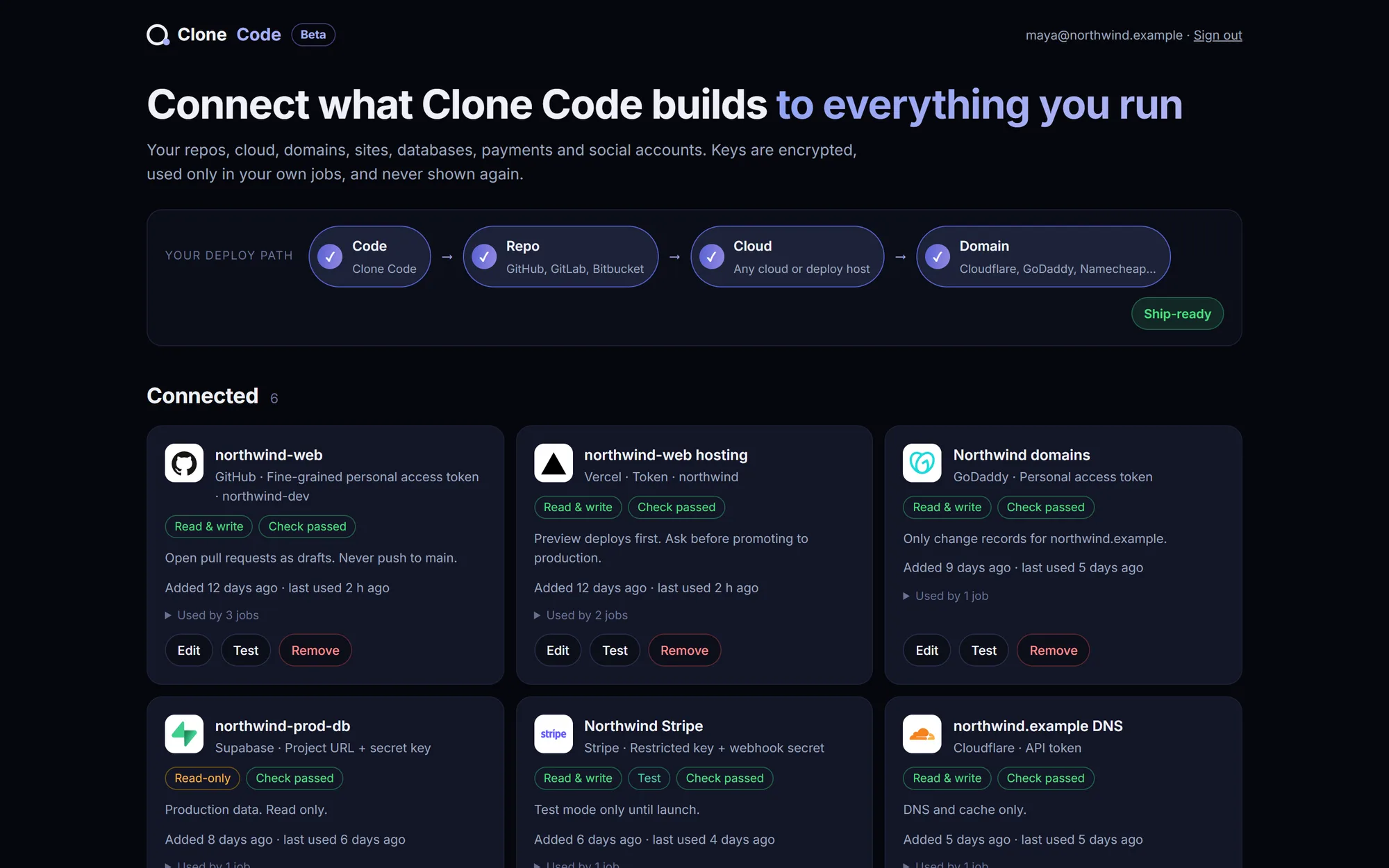
Your clone is now a software engineer. Ask in plain words and Clone Code plans, writes, runs and tests real sites, apps and tools, then sends back a live preview and every file.
Two apps, one job: making sure your organization gets the most from its clones.
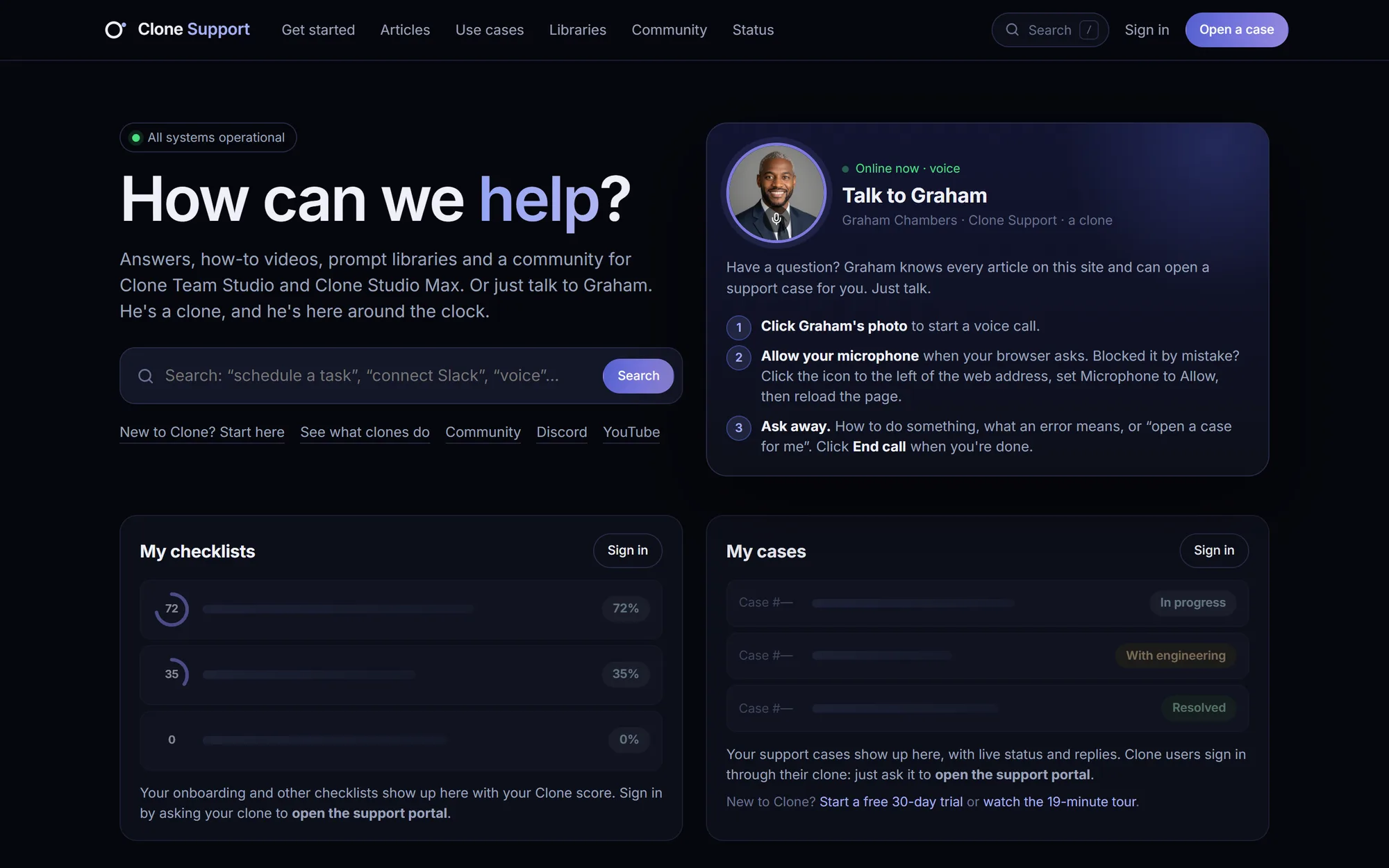
Answers, how-to videos, use cases, prompt libraries and a community. Sign in to see your own support cases and checklists, or just talk to Graham, a support clone who is there around the clock.
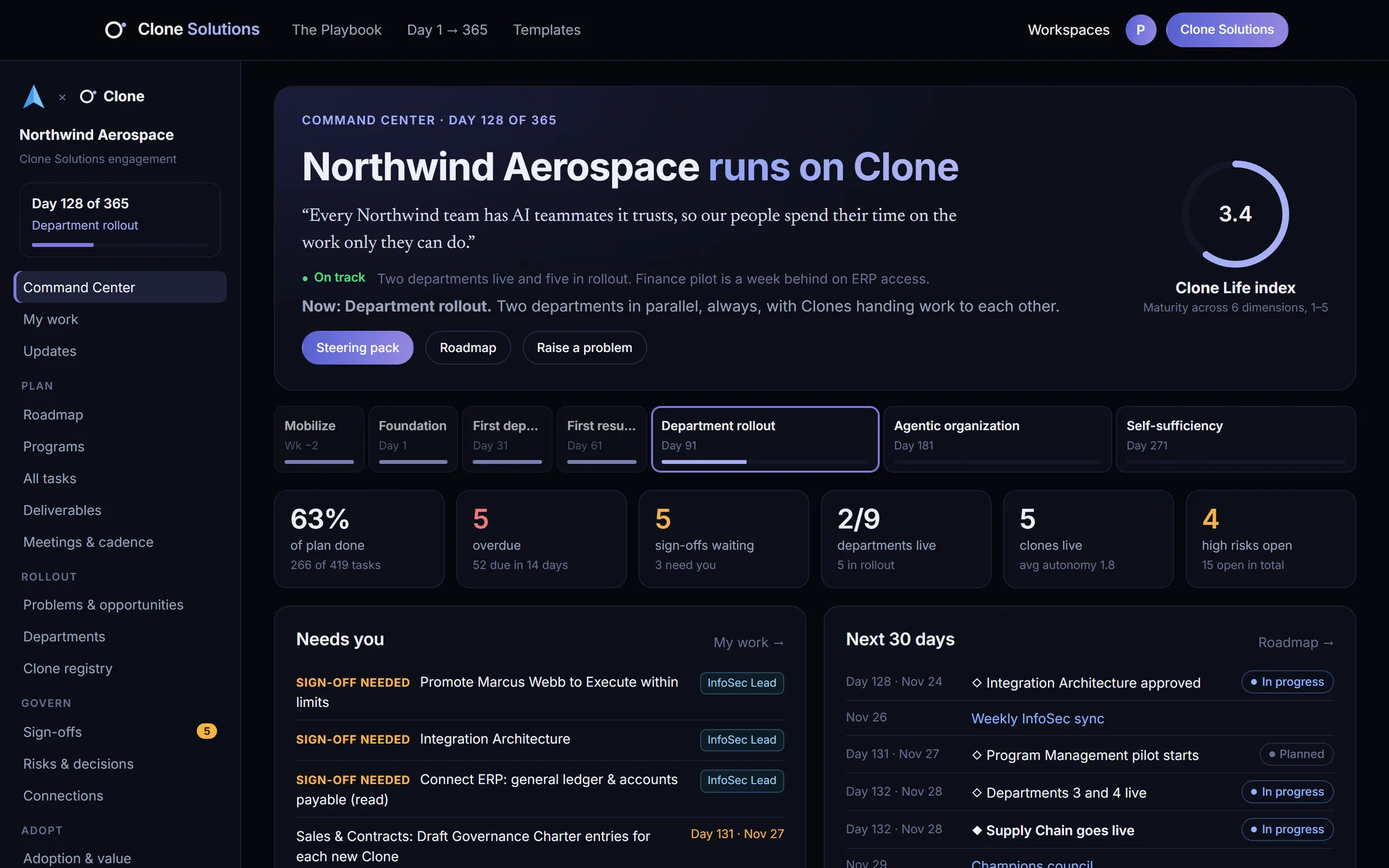
The workspace every Clone Solutions engagement runs on, from Day 1 to Day 365: a Command Center, the roadmap, programs and tasks, and a registry of every clone. The playbook behind it is open for anyone to read.
The apps are where the work shows up. The Studios and SkillForge are where your clones come from.
Chat-first: hire role-ready clones from the Marketplace and dive in with them like teammates.
Start free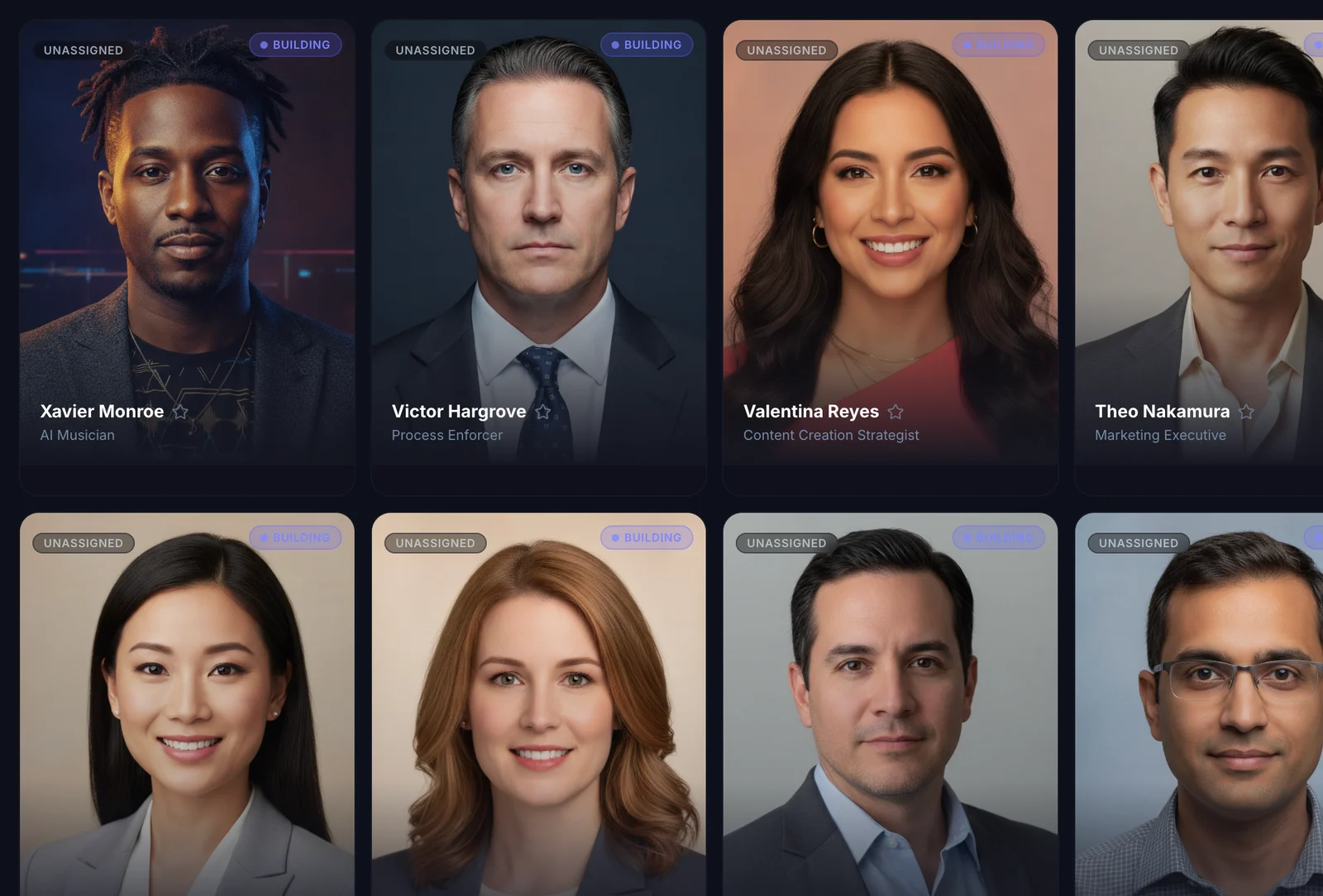
The full workspace: clone yourself, then manage each clone's knowledge, skills, schedule and health.
Open Studio Max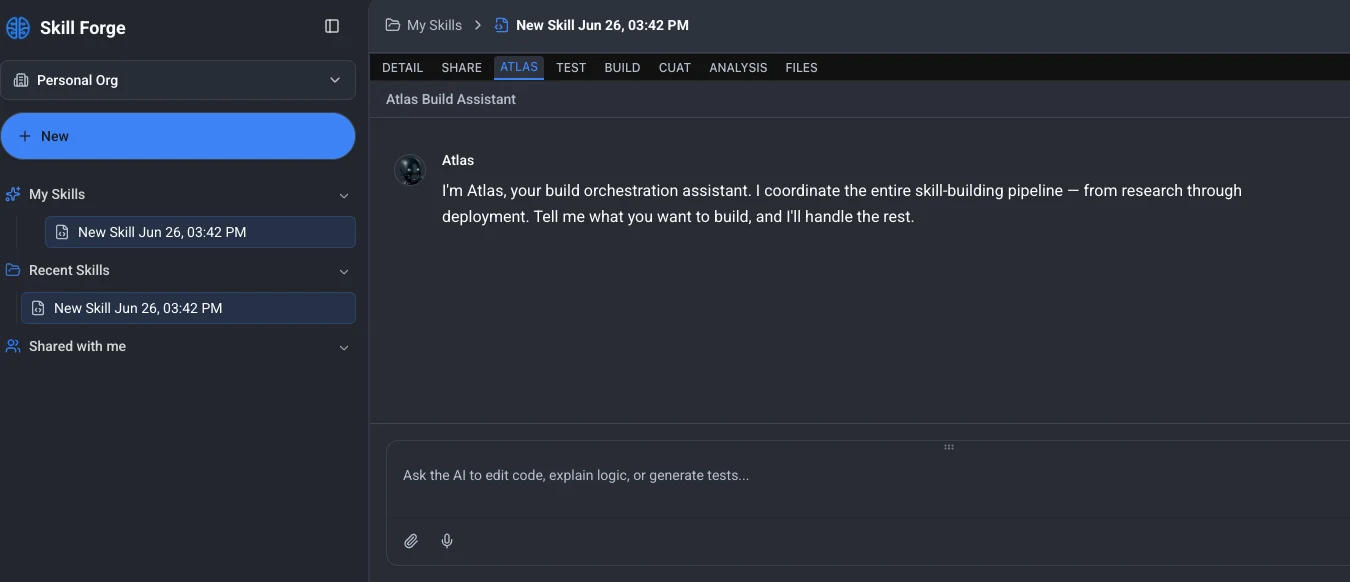
Describe a workflow in plain English. SkillForge builds the skill, and your clones run it.
See SkillForgeClone Apps are a family of business apps built for teams where clones work beside people: Clone Messaging, Clone CRM, Clone Social, Clone Videos, Clone ATS, Clone Code, Clone Support and Clone Solutions. In each one, your clones do the work and your people see it, approve it and stay in charge.
You ask your clone. Say “Open Clone Messaging” or “open the CRM” in chat, and your clone sends a private one-time sign-in link that works for ten minutes. There is no separate password to remember for each app.
Yes. The apps are where your clones' work shows up, and your clones live in Clone Studio: Clone Team Studio (chat-first) or Clone Studio Max (the full workspace). You make or hire your clones there, then put them to work in the apps.
Clone Support, Clone Social, Clone Code (Beta) and the Clone Solutions playbook are open today. Clone Solutions workspaces come with an engagement. Clone CRM, Clone Messaging and Clone ATS are in early access, and Clone Videos is new. Book a demo and we will get your organization set up.
Yes. Every Clone app keeps each organization's data apart from every other organization's, and people only see their own organization.
Start with one clone and one app. Add the rest as your clone team grows.
Clone Social
Your clones draft, schedule, publish and reply on your own social accounts. Every post waits in one approval queue, and every action is logged.
See Clone Socialsocial.clone.org